Table of Contents
Ergonomic anatomy, medical facts, and usage guidelines.
Walk into any corporate office or developer workstation, and you will almost certainly spot a padded support resting against the front lip of the keyboard. For decades, consumer accessory manufacturers have marketed these accessories as universal safeguards against repetitive strain injury (RSI) and carpal tunnel syndrome.
Yet occupational ergonomists and hand orthopedists frequently deliver a surprising diagnosis: improper wrist rest usage is one of the leading contributors to median nerve irritation. As explored in our comprehensive Typing Ergonomics Guide: How to Type Without Pain, accessories cannot compensate for improper upper-body posture. Here is the clinical reality behind wrist rests, the anatomy of tendon friction, and how to utilize them properly.
01. The Terminology Trap: "Wrist" vs. "Palm" Rest
The fundamental problem begins with the product's name. In clinical ergonomics, there should be no such device as a "wrist rest." The proper anatomical designation is a Palm Support.
When typists place the delicate underside of their wrists directly onto a pad while typing, they position their body's narrowest neurovascular corridor directly over a pressure point.
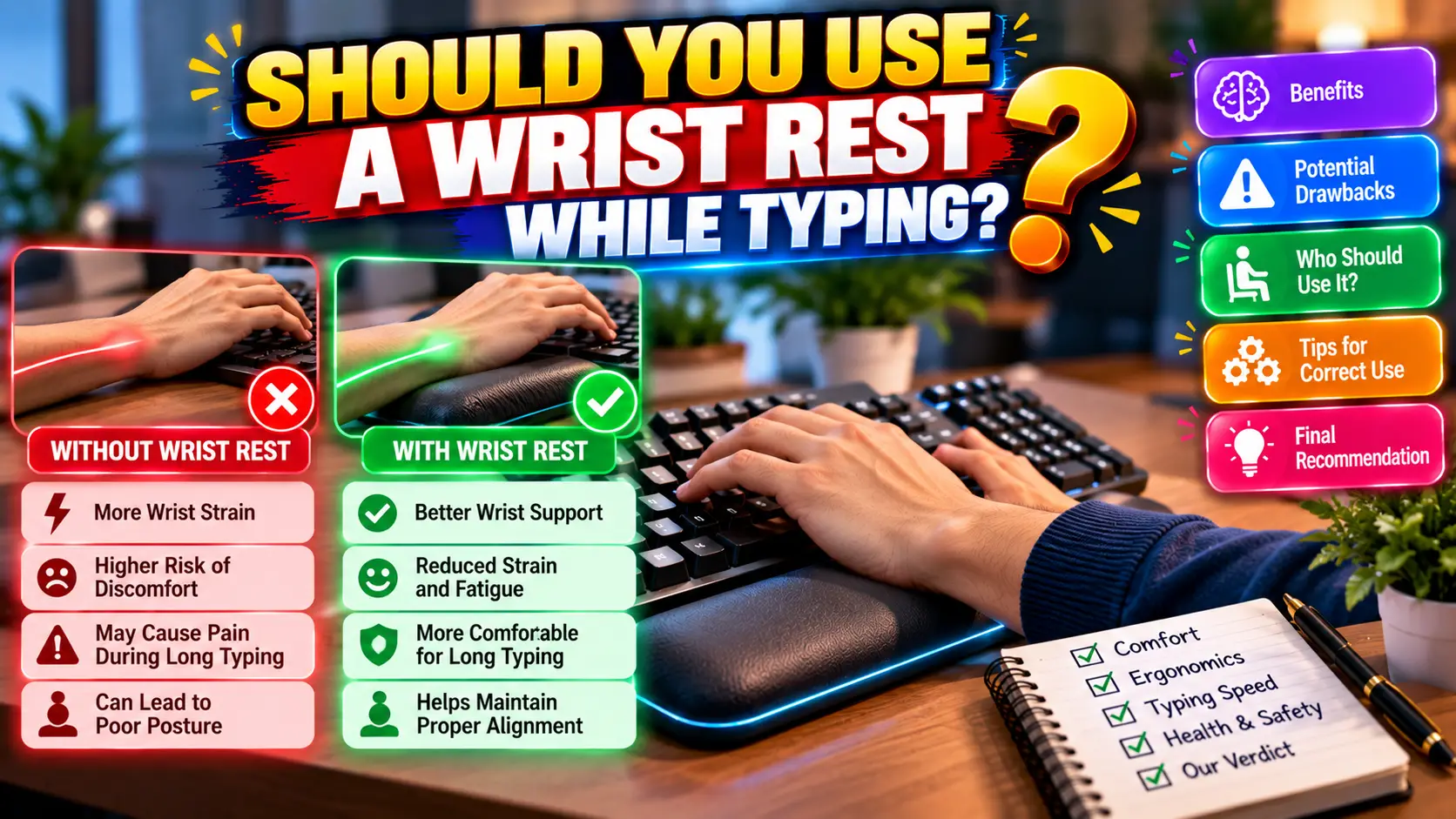
Resting on the Wrists
Compresses the transverse carpal ligament, pinches the median nerve, and anchors the hands, forcing the fingers to stretch unnaturally for distant keys.
Resting on the Thenar/Hypothenar Palms
Weight is distributed across the thick muscular pads at the base of your palms (the fleshy cushions beneath your thumb and pinky), shielding internal nerves.
02. The Anatomy of Carpal Tunnel Compression
The carpal tunnel is a rigid osteofibrous canal bounded by small carpal bones on the back and the tough transverse carpal ligament on the palm side. Inside this narrow space run nine flexor tendons and the median nerve, which supplies sensation to your thumb, index, middle, and half of your ring finger.
The Anchor Effect (Ulnar Deviation)
When your wrists are glued to a rest, your hands cannot pivot as a unified unit from the elbows and shoulders. To reach perimeter keys (like Backspace, Enter, or top-row numbers), you are forced to twist your wrists outward (ulnar deviation). Typing under continuous ulnar deviation grinds tendons against the carpal sheath, leading to inflammation and tendonitis.
As discussed in our workstation configuration guide on Best Ergonomic Desk, Keyboard & Mouse Setup, maintaining a neutral, straight wrist plane is the single most important rule in keyboard biomechanics.
03. Active Floating vs. Micro-Break Resting
The golden ergonomic rule governing wrist rests is temporal: Support pads are designed for resting, not for typing.
Hands Must Float
While actively typing, your hands should hover like a concert pianist's over the keys. Forearms, wrists, and hands form a straight, continuous horizontal line. Forearms pivot smoothly from the elbow to reach outer perimeter keys without bending the wrist.
Palms Rest on the Support
When pausing to read, think, review code, or await exam prompts, drop the meaty heels of your palms onto the rest. This relieves static shoulder and trapezius tension, allowing your arm muscles to decompress.
04. Materials: Hardwood vs. Memory Foam vs. Cooling Gel
If you choose to use a palm support with tall mechanical keyboards (examined in our review of Best Ergonomic Keyboards for Long Hours), selecting the proper material is essential:
| Material Type | Ergonomic Stability | Durability & Cleanliness | Medical Verdict |
|---|---|---|---|
| Solid Hardwood (Walnut / Oak) | Superior (Firm, non-sinkable plane) | Decades; easy to wipe clean | Preferred by purists. Prevents wrists from sinking and compressing tissues. |
| High-Density Memory Foam | Moderate (Conforms to palm contours) | 1–2 years (Fabric collects sweat) | Comfortable for casual pauses, but soft foam can bottom out over long sessions. |
| Soft Squishy Silicone Gel | Poor (Creates deep sink pockets) | Prone to tearing and heat buildup | Not recommended. Wrists sink deeply, locking the joint into restricted angles. |
05. Optimal Setup Protocol
To ensure your palm support enhances rather than impairs typing health:
- Match Rest Height to Keyboard Lip: The top surface of your rest must match the front frame of your keyboard exactly. If the rest is higher than your spacebar, it forces dorsal wrist extension.
- Fold In Keyboard Tilt Feet: Prop-up kickstands tilt the keyboard forward, forcing wrists backward into extension. Keep keyboards completely flat or on a slight negative slope.
- Leave a 1-Inch Gap: Keep a 1-inch to 2-inch gap between the keyboard and the palm rest. This discourages wrist anchoring and reminds your hands to float freely during fast typing runs.
- Incorporate Regular Tendon Glides: Between typing sessions, perform the gentle finger and wrist extensions demonstrated in our 5-Minute Typing Warmup Guide.
Conclusion
A wrist rest is an invaluable recovery tool when used as a palm rest during micro-pauses. However, anchoring your wrists to a soft pad while actively typing turns an ergonomic aid into a nerve compression risk. Keep your hands floating during active typing, let your arms guide wide reaches, and save the rest for when your fingers pause.
Practice healthy touch typing posture, build endurance, and track your metrics on TypeNest Academy.
Last Updated: October 2026
Author: TypeNest Editorial Team