1. Why Standard Flat Keyboards Cause Pain
Traditional rectangular keyboards force your upper body into three unnatural biomechanical postures:
Ulnar Deviation
Bending wrists outwards toward your pinkies to keep fingers parallel on straight key rows, pinching the carpal tunnel.
Forearm Pronation
Rotating palms completely flat against the desk surface, crossing the radius and ulna bones and straining forearm muscles.
Wrist Extension
Tilting palms upward due to thick keyboard chassis, increasing pressure in the delicate median nerve canal.
2. Anatomy of True Ergonomics: What to Look For
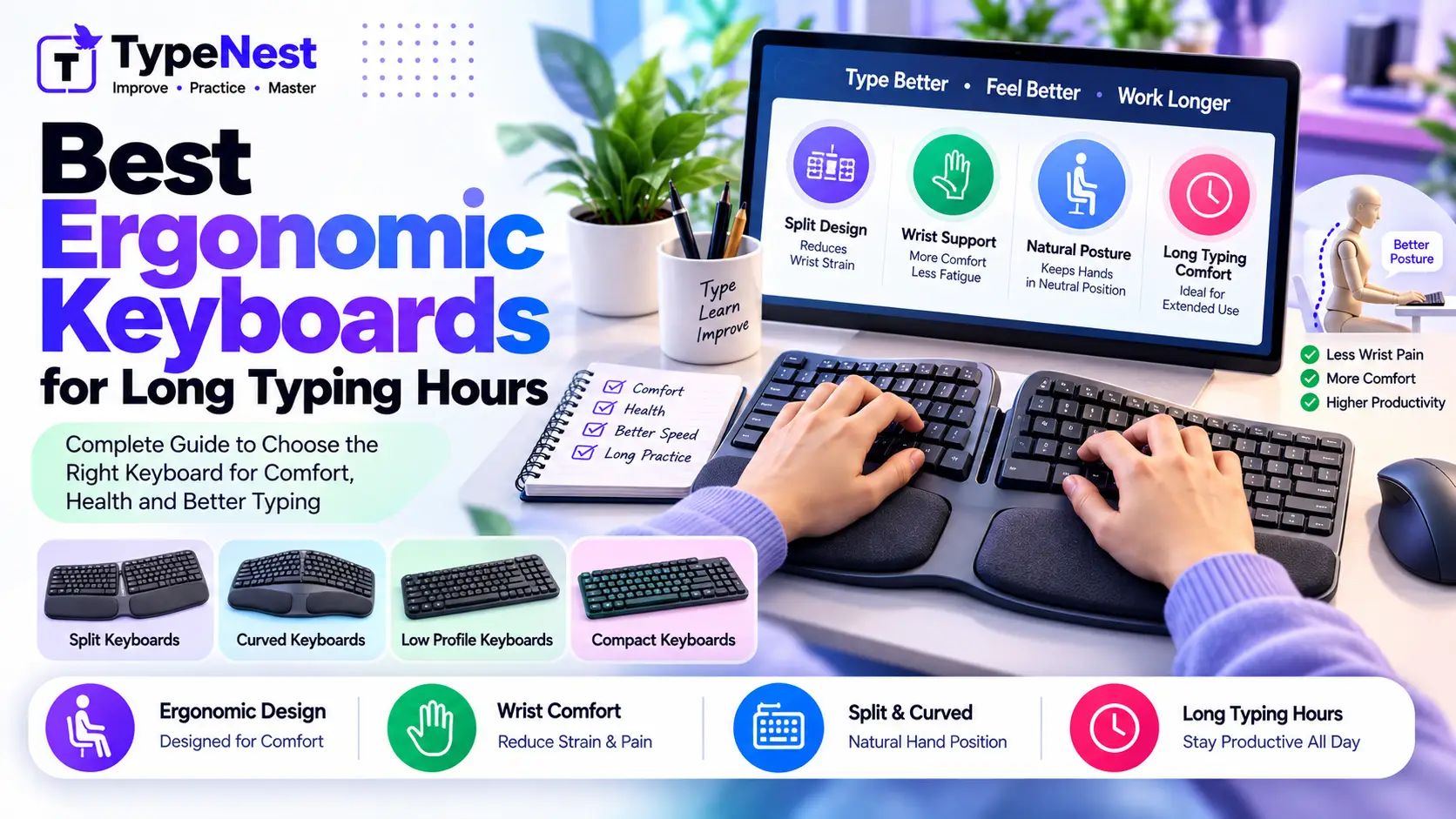
- Split Form Factor: Dividing the keyboard into two halves allows you to place them shoulder-width apart, keeping your chest open and spine relaxed.
- Tenting (Inward Angle): Elevating the inner side of the keyboard modules rotates hands slightly into a natural "handshake" position, relieving forearm torsion.
- Negative Tilt: Angling the board slightly downward away from you keeps wrists neutral rather than hyperextended upward. Read our Desk Ergonomics Setup Guide.
- Thumb Clusters: Transferring workload from your weak pinkies to your strongest thumbs (for Backspace, Enter, Space, and Shift keys).
3. The 7 Best Ergonomic Keyboards for Typists
1. Kinesis Advantage360 Professional
Ultimate Ergonomic FlagshipThe gold standard for extreme RSI prevention. Features concave key wells that contour to finger lengths, wireless Bluetooth split halves, heavy tenting adjustments, and ortholinear column-staggered key alignment.
2. ZSA Moonlander Mark I / Voyager
Best for Coders & CustomizationUltra-slim hot-swappable mechanical split keyboard with thumb clusters, infinite Oryx firmware programmability, and built-in adjustable tenting legs. The Voyager offers a travel-friendly low-profile alternative.
3. Keychron Q10 / V10 (Alice Layout)
Easiest Transition CurveIf you aren't ready for fully separated modules, the Alice curve angles the standard QWERTY rows to eliminate ulnar deviation without requiring you to re-learn thumb layer bindings. Features a solid CNC aluminum gasket-mounted chassis.
4. Logitech Ergo K860
Best Mainstream Office ChoiceA curved split-frame membrane board with an integrated pillowed wrist rest and front-adjustable negative tilt legs. Ideal for corporate environments that require quiet operation without deep customization menus.
5. Dygma Defy / Raise 2
Premium Build & Wireless FreedomFeatures an 8-key thumb cluster on each side, integrated tenting kits reaching up to 60 degrees, hot-swappable switches, and aluminum construction. Offers low latency wireless and Bluetooth connectivity.
6. Corne / Lily58 (DIY Custom Split)
Ultra-Minimalist EnthusiastOpen-source column-staggered split boards with 42 to 58 keys. By leveraging QMK/ZMK layers, your hands never travel more than one key away from home row, virtually eliminating repetitive stretching strain.
7. Microsoft Sculpt Ergonomic Keyboard
Budget-Friendly ClassicA legendary, budget-conscious staple featuring a split dome keybed, separate numeric keypad, and cushioned reverse-tilt riser that continues to serve millions of typists daily.
4. Alice Curved Layout vs. Fully Separated Split
| Category | Alice Layout (e.g., Keychron Q10) | True Split (e.g., Moonlander, Advantage) |
|---|---|---|
| Learning Curve | 1 to 2 days (Familiar stagger) | 1 to 3 weeks (Layers & thumb clusters) |
| Ulnar Deviation Relief | Moderate (Fixed 10–15° angle) | Total (Separates to shoulder width) |
| Tenting Capability | Flat on desk (No pronation relief) | Variable tenting angles (5° to 60°) |
5. Switch Weight: Avoid Stiff Springs for RSI Prevention
An ergonomic layout will not protect you if your key switches are too stiff. Typing on heavy switches (like Cherry MX Green or stiff 67g tactile switches) requires substantial finger pressure that causes tendon inflammation over an 8-hour workday.
Opt for light-actuation switches (35g to 45g) such as Gateron Red, Kailh Box Silent Pink, or light tactiles (Gateron Brown). Explore switch differences in our Mechanical vs. Membrane Comparison Guide.
6. Buying Advice by Career & Budget
- Software Engineers: Go with the ZSA Moonlander or Dygma Defy for customizable thumb-bracket bindings.
- Authors & Content Writers: Choose the Keychron Alice layout for an easy transition with immediate wrist comfort.
- Active Pain & Severe RSI: Invest in the Kinesis Advantage360 for concave well geometry and comprehensive orthopedic relief.
7. Frequently Asked Questions (FAQs)
Will an ergonomic keyboard slow down my typing speed?
Expect your speed to drop by 20–30% for the first week as muscle memory adapts to separated halves. Within 2 to 3 weeks, most typists return to baseline speed and report zero wrist soreness.
Is a split keyboard necessary if I use a wrist rest?
A wrist rest only addresses vertical wrist extension; it does nothing to prevent horizontal ulnar deviation or forearm pronation. A split keyboard solves both root causes simultaneously.
Conclusion
Your keyboard is your primary professional tool. Upgrading to an ergonomic split layout is an essential investment that protects your wrists from chronic injury, eliminates joint fatigue, and ensures decades of pain-free productivity.
Continue Learning
Last Updated: October 2026
Author: TypeNest Editorial Team