Table of Contents
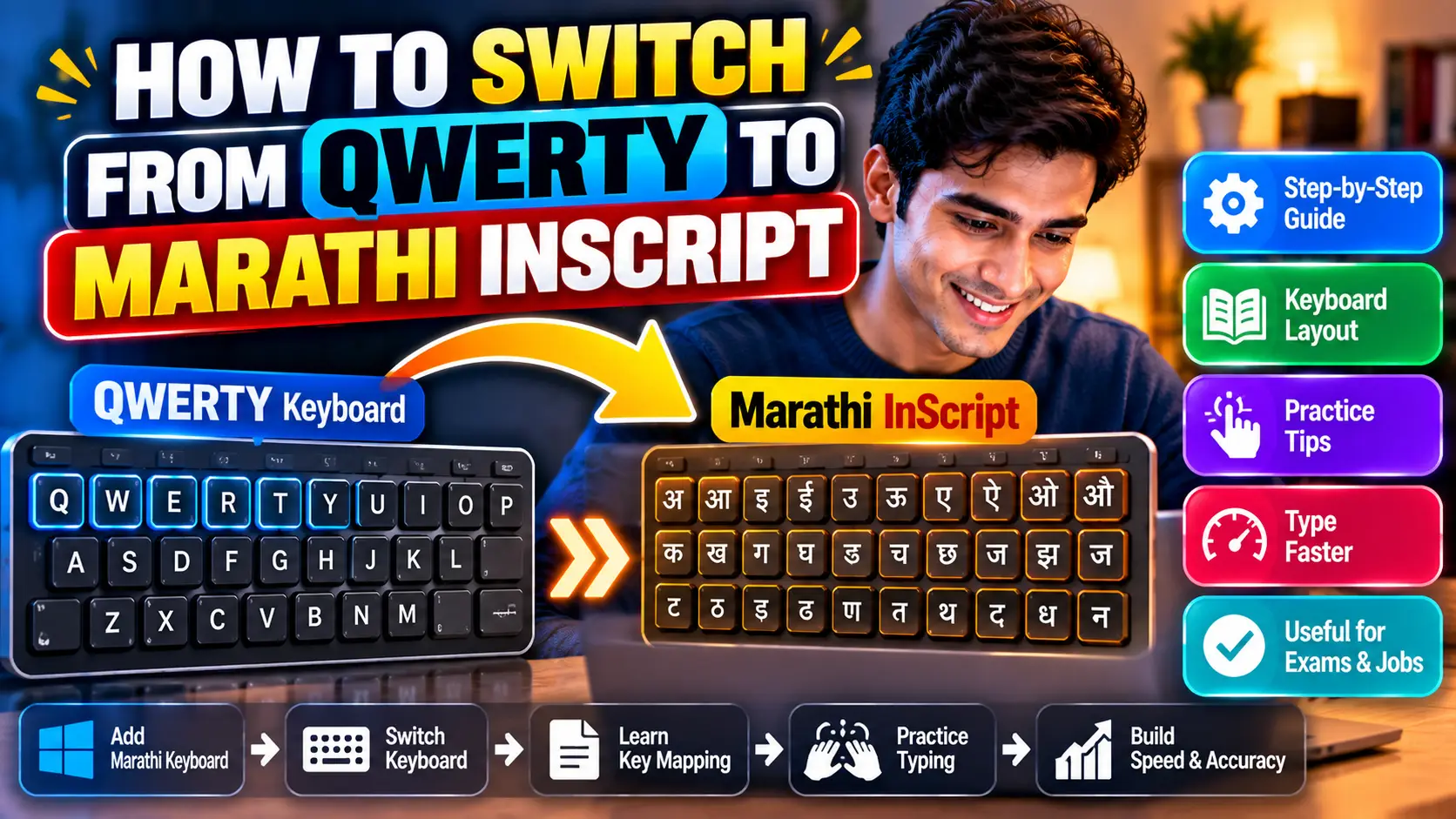
Transition blueprint from Latin QWERTY to Devanagari Inscript.
A common fear among candidates preparing for Maharashtra clerical examinations is that learning Marathi Inscript will overwrite their hard-earned English touch typing cadence. Many candidates attempt phonetic transliteration tools or hunt-and-peck typing because Devanagari appears completely foreign on a standard Latin physical keyboard.
In reality, touch typists who already understand proper finger placement—as taught in our fundamental Complete Beginner's Guide to Touch Typing—possess a massive head start. Because Inscript was scientifically engineered to mirror natural finger mechanics, switching from QWERTY to Inscript is remarkably rapid when approached systematically.
01. Why QWERTY Typists Learn Inscript Faster
As we analyzed in our breakdown of Remington GAIL vs. Inscript Layouts, Inscript does not use random key positions. It relies on a logical phonetic architecture:
- Your Left Hand Handles Matras (मात्रा): In English, your left hand strikes common vowels like
AandE. In Inscript, virtually all vowel modifiers (मात्रा) are mapped directly under your left fingers. - Your Right Hand Handles Consonants (व्यंजने): The right hand drives consonants according to phonetic throat and tongue positions (k-varga, ch-varga, t-varga).
- Predictable Alternation: Because Indian languages alternate between consonants and vowels, typing in Inscript creates a rhythmic left-right hand dance that feels identical to fluent English typing cadence.
02. Home Row & Bipartite Finger Mapping
Just as the ASDF - JKL; keys form the core foundation in our Home Row Deep Dive Guide, the exact same physical keys anchor your hands in Marathi Inscript:
| Hand | Finger | Physical Key | Normal (Unshifted) | Shifted Character |
|---|---|---|---|---|
| Left Hand (Vowels) | Pinky | A | ो (Matra O) | ओ (Vowel O) |
| Ring | S | े (Matra E) | ए (Vowel E) | |
| Middle | D | ् (Halant / Virama) | अ (Vowel A) | |
| Index | F | ि (Matra Short I) | इ (Vowel Short I) | |
| Right Hand (Consonants) | Index | J | र (Ra) | ऱ (Eyelash Ra) |
| Middle | K | क (Ka) | ख (Kha) | |
| Ring | L | त (Ta) | थ (Tha) | |
| Pinky | ; | च (Cha) | छ (Chha) |
Notice the elegant Shift logic: tapping K produces क. Holding Shift and striking K produces ख. Tapping L produces त, while Shift + L produces थ. Once you understand this aspirational symmetry, memorization time drops by half.
03. The "D" Key (Halant) Rule for Conjuncts (जोडाक्षरे)
In our comprehensive Marathi Typing Inscript & Mangal Font Guide, we demonstrated that the single most powerful key in Inscript is the letter D, which outputs the Halant / Virama (्).
In traditional typing, candidates had to memorize dozens of non-intuitive Alt-codes for half-letters. In Inscript, half-letters follow an infallible mathematical rule:
The Universal Conjunct Equation:
- To type स्त (sta): Type
स (L)+् (D)+त (L). - To type प्र (pra): Type
प (H)+् (D)+र (J). - To type ष्ट्र (shtra): Type
ष (Shift+',')+् (D)+ट (')')+् (D)+र (J).
04. Enabling Marathi Inscript in Windows 11 / 10
You do not need to download third-party software, cracked fonts, or external keyloggers. Windows has native Inscript support pre-installed:
- Open Windows Settings (
Win + I). - Navigate to Time & Language → Language & Region.
- Click Add a language and select Marathi (मराठी).
- Click the three dots next to Marathi, select Language options, find Keyboards, and ensure Marathi INSCRIPT is selected.
- Toggle instantly between English and Marathi at any time by pressing
Windows Key + SpacebarorAlt + Shift.
05. The 14-Day Transition Schedule (to 30 WPM)
Follow this progressive two-week schedule dedicating 45 minutes each day:
Home Row & Vowel Anchoring
Practice unshifted and shifted home row characters only. Do not look down at the keyboard. Focus on alternating between left-hand matras and right-hand consonants.
Top Row & Bottom Row Reaches
Incorporate upper characters (न, प, ब, म, य) and lower characters (ग, स, ड, झ). Practice simple 2-letter and 3-letter words like कमल, भारत, घर, शहर.
Halant & Ligature Conditioning
Drill difficult conjunct words (महाराष्ट्र, न्यायालय, प्रशासन, विद्यार्थी). Master the eyelash Ra (ऱ) and anuswar (ं on key X).
Timed 30 WPM Passage Mocks
Take 10-minute continuous Marathi government exam passages. Aim for 300 words typed with under 10 half-mistakes. Track daily net speed.
Conclusion
Transitioning from QWERTY to Marathi Inscript is a matter of anatomical alignment rather than starting from scratch. By trusting your existing touch typing mechanics, respecting the vowel-consonant split, and utilizing the universal halant rule, you can achieve exam-ready 30+ WPM Devanagari speed in two weeks.
Begin practicing your keyboard balance and finger accuracy daily on TypeNest Academy.
Last Updated: October 2026
Author: TypeNest Editorial Team