GCC-TBC Government Typing Exam Complete Guide
Master speed, accuracy, and format requirements to pass government typing exams with high scores.
TypeNest helps you improve your typing speed, accuracy and productivity with smart practice.
Structured touch typing lessons for every skill level
Master touch typing with structured lessons, interactive practice, typing tests, and expert guides.
TypeNest is a modern online touch typing platform designed to help students, professionals, job seekers, and everyday computer users develop fast, accurate, and confident typing skills. Whether you're just starting with keyboard basics or working to improve your typing speed, our structured learning path makes practice simple, engaging, and effective.
From beginner-friendly lessons and interactive typing exercises to typing tests and expert learning resources, TypeNest provides everything you need in one place. Learn at your own pace, monitor your improvement, and build a valuable skill that increases productivity for school, work, coding, writing, and competitive exams.
Learn touch typing step by step with carefully designed lessons covering Home Row, Top Row, Bottom Row, Words, Numbers, and Advanced practice.
Improve typing speed and reduce mistakes through guided practice sessions that help build confidence and consistent keyboard accuracy.
Evaluate your typing performance with dedicated typing tests designed to improve speed, rhythm, consistency, and overall keyboard skills.
Build practical typing skills for education, office work, programming, content writing, competitive exams, and everyday computer use.
TypeNest combines structured learning, practical exercises, typing tests, and expert resources into one easy-to-use platform. Whether you're learning touch typing for the first time or improving your typing speed for work, education, or competitive exams, everything is designed to help you progress with confidence.
Learn keyboard skills through a step-by-step learning path designed for beginners and advanced learners.
Practice typing with carefully designed exercises that improve speed, rhythm, and typing confidence.
Measure your typing performance using typing speed and accuracy practice sessions.
Stay motivated by monitoring your learning journey and improving through regular practice.
Read practical articles and guides that help you understand typing techniques and productivity.
Start learning without experience using a clean interface and easy-to-follow lessons.
Learn typing step-by-step with structured lessons. Start with Home Row, then Top Row, Bottom Row, Words, Numbers and Advanced practice.
Learn the basics
Build consistency
Improve control
Practice words
Master numbers
Challenge yourself
Learn touch typing and improve your WPM speed online.
Explore practical typing tutorials, keyboard tips, exam guides, and productivity resources to type faster and smarter.
Master speed, accuracy, and format requirements to pass government typing exams with high scores.
Compare keyboard layouts and choose the best ergonomic layout for typing speed and comfort.
Understand Net WPM, Gross WPM, and error penalties used in online typing tests and exams.
Essential ergonomic tips, screen setup, and lighting habits to protect your eyes while typing.
Explore structured typing courses designed to help beginners build strong keyboard skills, improve speed, and increase accuracy.
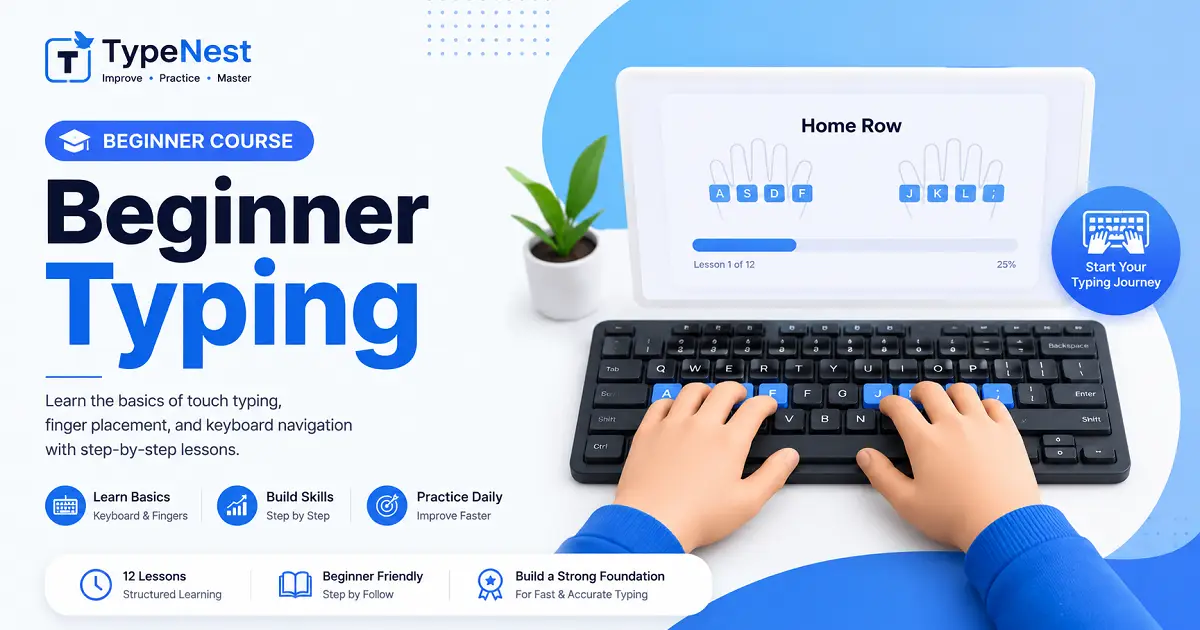
Start learning touch typing from the basics with structured beginner lessons.
Start Course →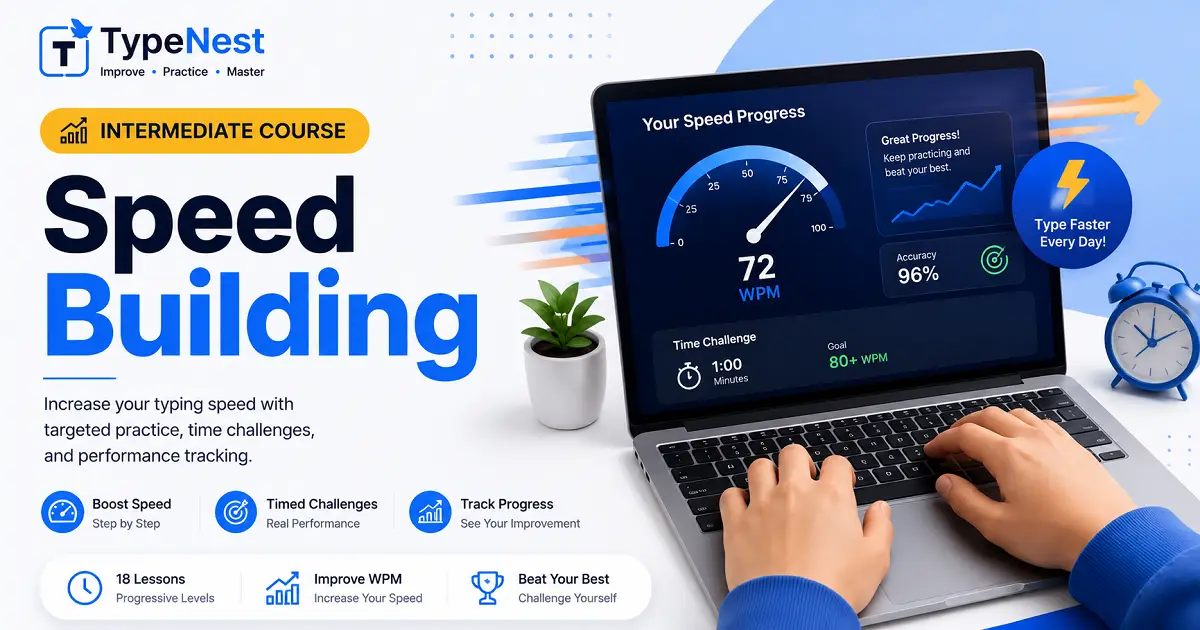
Improve your typing speed through guided exercises and daily practice.
Start Course →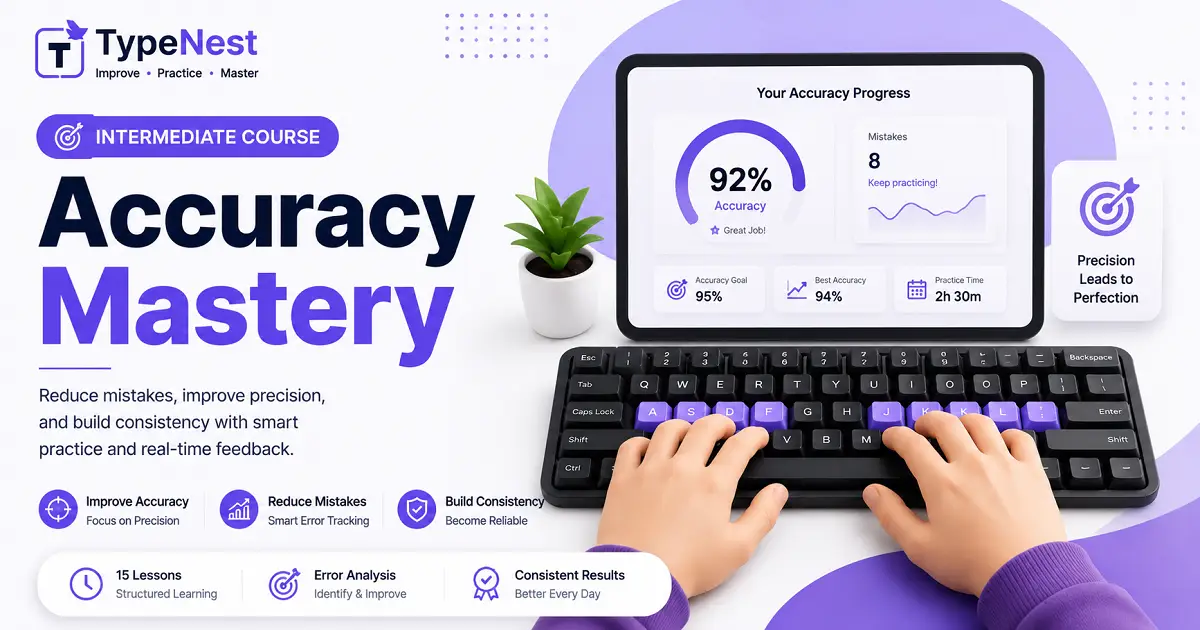
Build precision, reduce typing mistakes, and improve consistency.
Start Course →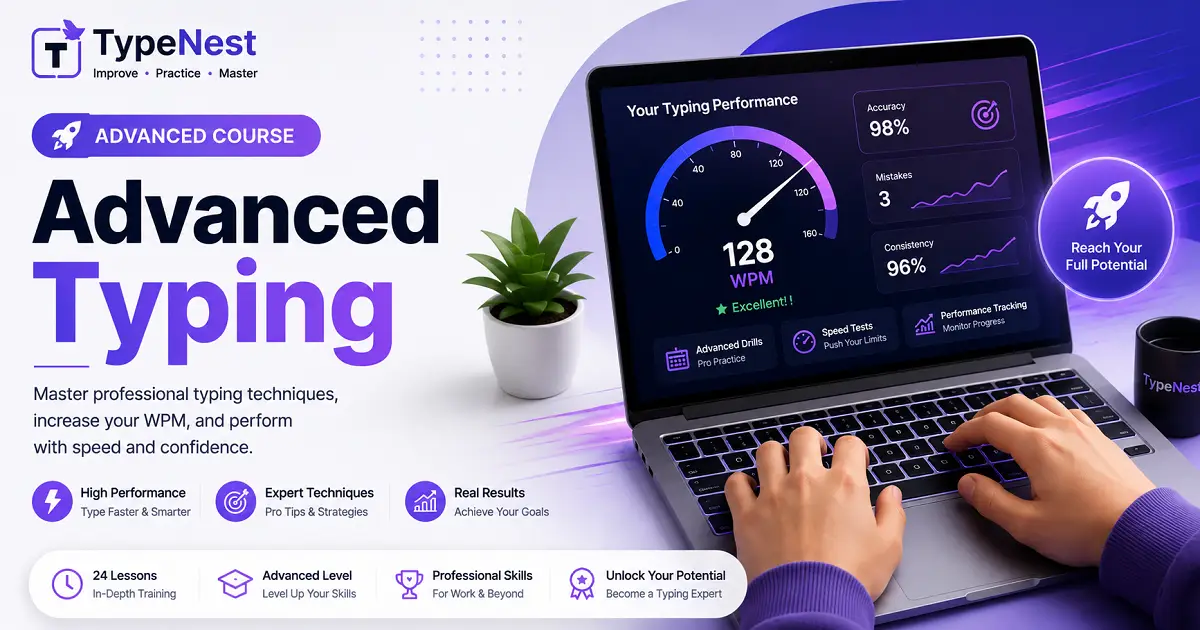
Challenge yourself with advanced typing drills and real-world practice.
Start Course →Find answers to the most common questions about touch typing, practice lessons, and typing tests.
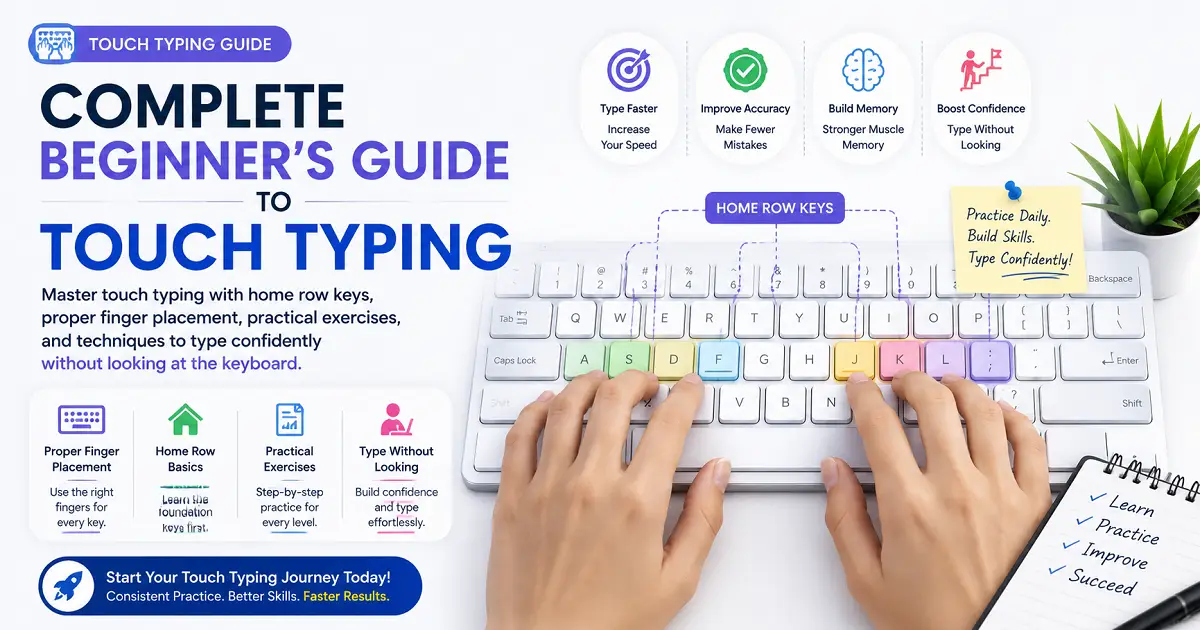
Touch typing is a technique that allows you to type using all ten fingers without looking at the keyboard. It improves typing speed, accuracy, and typing productivity.
Yes. TypeNest provides completely free touch typing lessons, typing practice sessions, speed tests, and educational guides.
Absolutely. TypeNest is beginner-friendly. Lessons start with the Home Row and progress step-by-step to advanced keyboard typing drills.
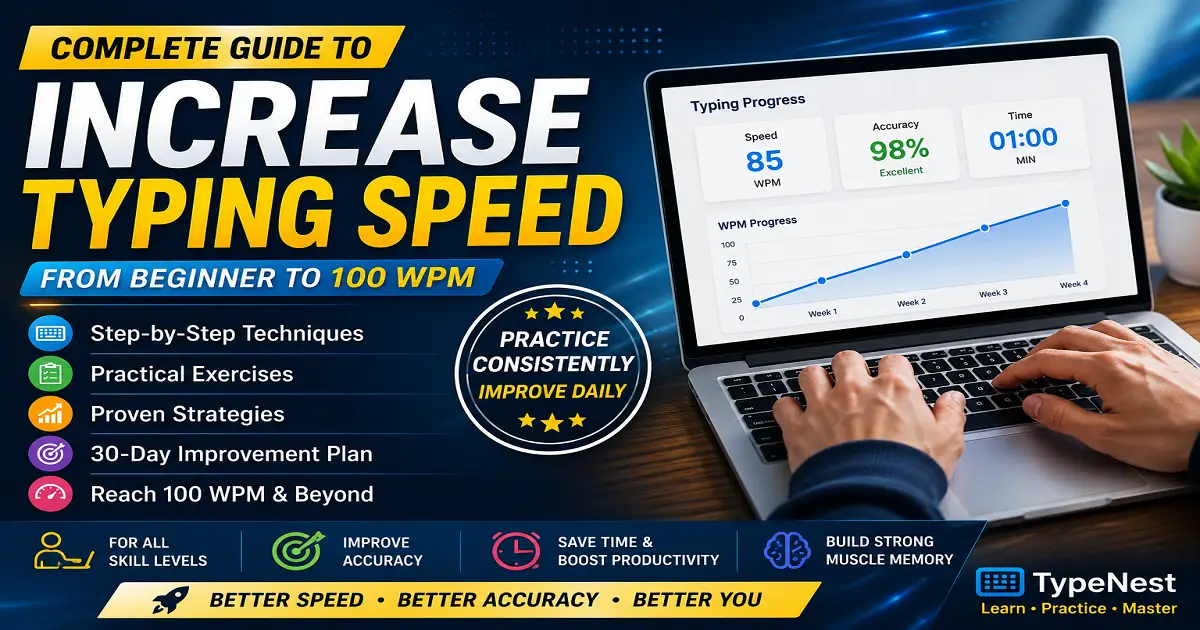
Daily practice, proper finger placement, maintaining rhythm, and reducing mistakes during touch typing exercises are the best ways to increase WPM speed.
Start your daily practice and type like a pro.
Login to continue your typing journey.