Table of Contents
Techniques for mastering non-alphabetic keys.
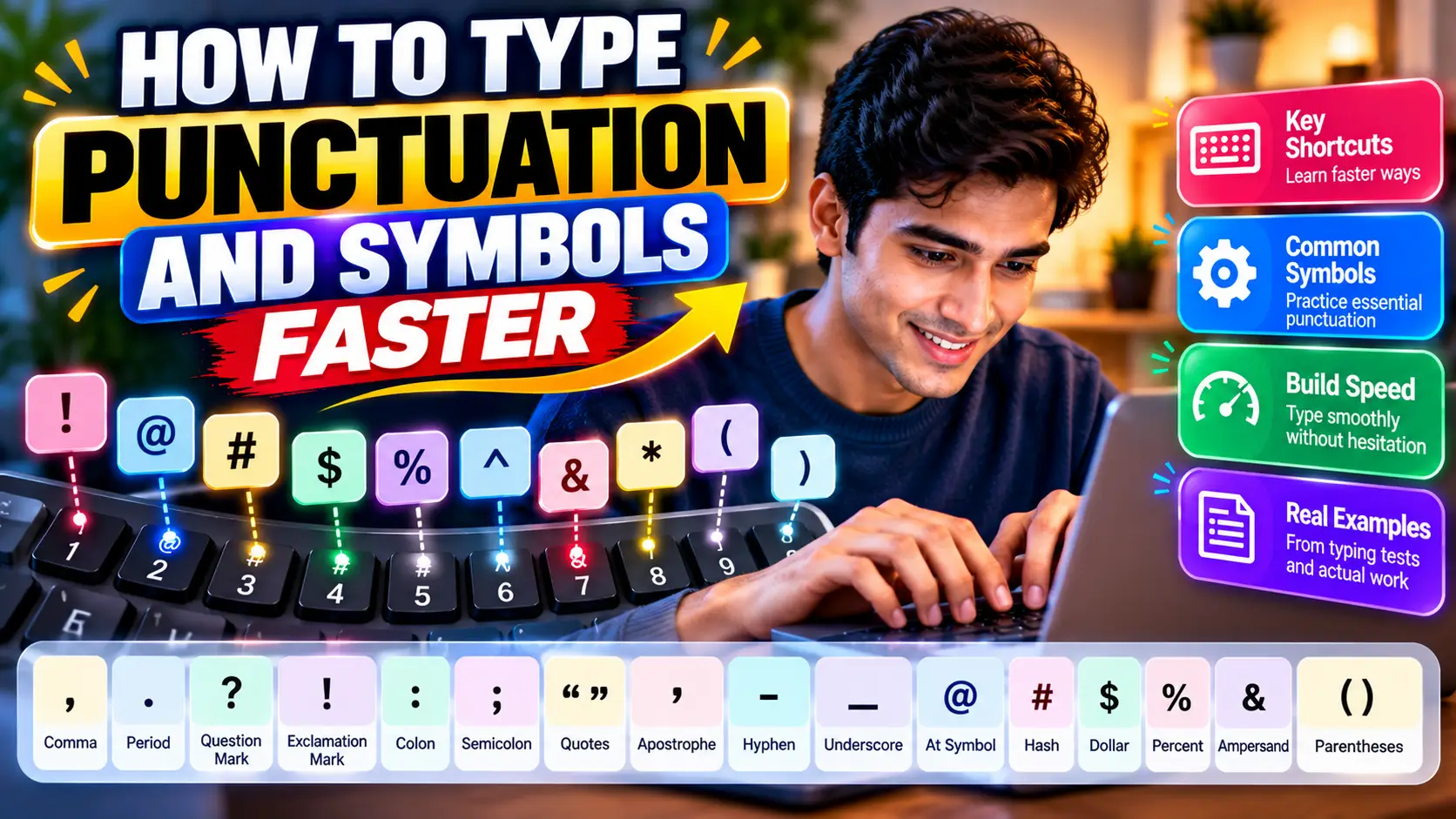
Most typists can achieve impressive numbers on standard letter-only tests. Words like "the", "about", "there", "because" flow naturally from established motor pathways. But the moment a quotation mark ("), a semicolon (;), or a set of parenthetical citations ((...)) appears in a test passage, typing cadence collapses.
This drop in tempo—often referred to as the punctuation stutter—is the primary bottleneck keeping solid 60 WPM typists from entering the 80+ WPM tier. As outlined in our foundation for Increasing Typing Speed and our detailed Typing Accuracy Guide, real-world productivity is governed not by your speed on easy words, but by how smoothly you navigate symbols without visual confirmation.
01. The Punctuation Penalty & Speed Chasm
Why do symbols create such cognitive friction? The anatomy of a standard ANSI or ISO computer keyboard places common alphabetic characters within the compact two-finger reach of the home row. Punctuation marks, however, are banished to the outer perimeter:
Weakest Digit Overload
Nearly 80% of English punctuation marks (; : ' " - _ = + [ ] \ / ?) are assigned entirely to the right pinky finger, which possesses the least muscular strength and dexterity.
Dual-Key Coordination
Most symbols require activating the Shift modifier simultaneously with the target key, doubling the cognitive load and demanding precise inter-finger timing.
Home Anchor Loss
When reaching for top-row numbers or perimeter brackets, typists frequently lift their whole hand, losing their reference bump anchor on the J key.
02. Opposite-Hand Shift Key Discipline
The single most important rule in professional touch typing is: Never strike a key and its Shift modifier with the same hand.
Many self-taught typists rely solely on the Left Shift key for everything. When they need to type an exclamation mark (! on key 1), they contort their left hand, using their left pinky on Shift and stretching their left middle finger or thumb up to 1. This severe wrist twist (ulnar deviation) creates instant hesitation and risks tendon strain.
The Universal Shift Protocol
- If the target character is struck by your Left Hand (e.g.,
! @ # $ % ~ Q W E R A S D F Z X C), depress the Right Shift with your right pinky. - If the target character is struck by your Right Hand (e.g.,
^ & * ( ) _ + { } | : " < > ?), depress the Left Shift with your left pinky.
As illustrated in our visual Touch Typing Cheat Sheet & Finger Placement Matrix, separating the modifier and the strike key across opposite hands prevents hand contortion and maintains steady momentum.
03. Right Pinky Perimeter Reach Mapping
To strike punctuation marks quickly, train your right pinky to make micro-reaches while keeping your index finger anchored on J:
| Punctuation Mark | Assigned Finger | Modifier Required | Anatomical Movement |
|---|---|---|---|
| , (Comma) | Right Middle Finger | None | Down-curl from K |
| . (Period / Full Stop) | Right Ring Finger | None | Down-curl from L |
| ; (Semicolon) | Right Pinky | None | Natural home row resting position |
| : (Colon) | Right Pinky | Left Shift | Strike home key with left pinky on Shift |
| ' (Single Quote / Apostrophe) | Right Pinky | None | Lateral reach one key right of ; |
| " (Double Quote) | Right Pinky | Left Shift | Lateral reach with left pinky on Shift |
| ? (Question Mark) | Right Pinky | Left Shift | Down-and-right curl from home row |
04. Quotes, Parentheses & Code Brackets
For software developers and legal transcribers—as explored in our study on Typing for Programmers & Productivity—brackets ({ } [ ] ( ) < >) occur continuously.
Typists often hesitate because opening and closing brackets use adjacent keys with different modifier states. To master them without dropping speed:
- Square Brackets
[ ]: Located directly above the apostrophe key. Strike[with a diagonal reach of your right pinky or ring finger, and]with your right pinky. - Curly Braces
{ }: Use the identical reach as square brackets while locking down Left Shift with your left pinky. - Parentheses
( ): Located on9and0. Struck by your right ring finger (9) and right pinky (0) combined with Left Shift.
05. 5-Minute Daily Symbol Calibration Drill
Add these deliberate repetition sequences to the beginning of your daily practice on TypeNest Typing Arena. Type each line five times slowly, prioritizing rhythm over speed:
Drill 1: Quotes and Punctuation Cadence it's, that's, "hello", 'world'; yes, no; right? wrong! "exactly."
Drill 2: Parentheses & Citations (Section 12), [Volume 4], (1998–2026); see: Exhibit (A); Case [No. 42]
Drill 3: Developer & Syntax Combinations if (x >= 10 && y != 0) { return array[i] -> value; }
Conclusion
True touch typing mastery is measured by your poise when typing complex text. By replacing awkward one-handed modifier stretches with strict opposite-hand Shift discipline and building confidence in your right pinky's perimeter reach, punctuation ceases to be a speed barrier.
Calibrate your symbol accuracy and measure live WPM on TypeNest Academy's specialized practice modules.
Last Updated: October 2026
Author: TypeNest Editorial Team