Table of Contents
Practical preparation for testing room realities.
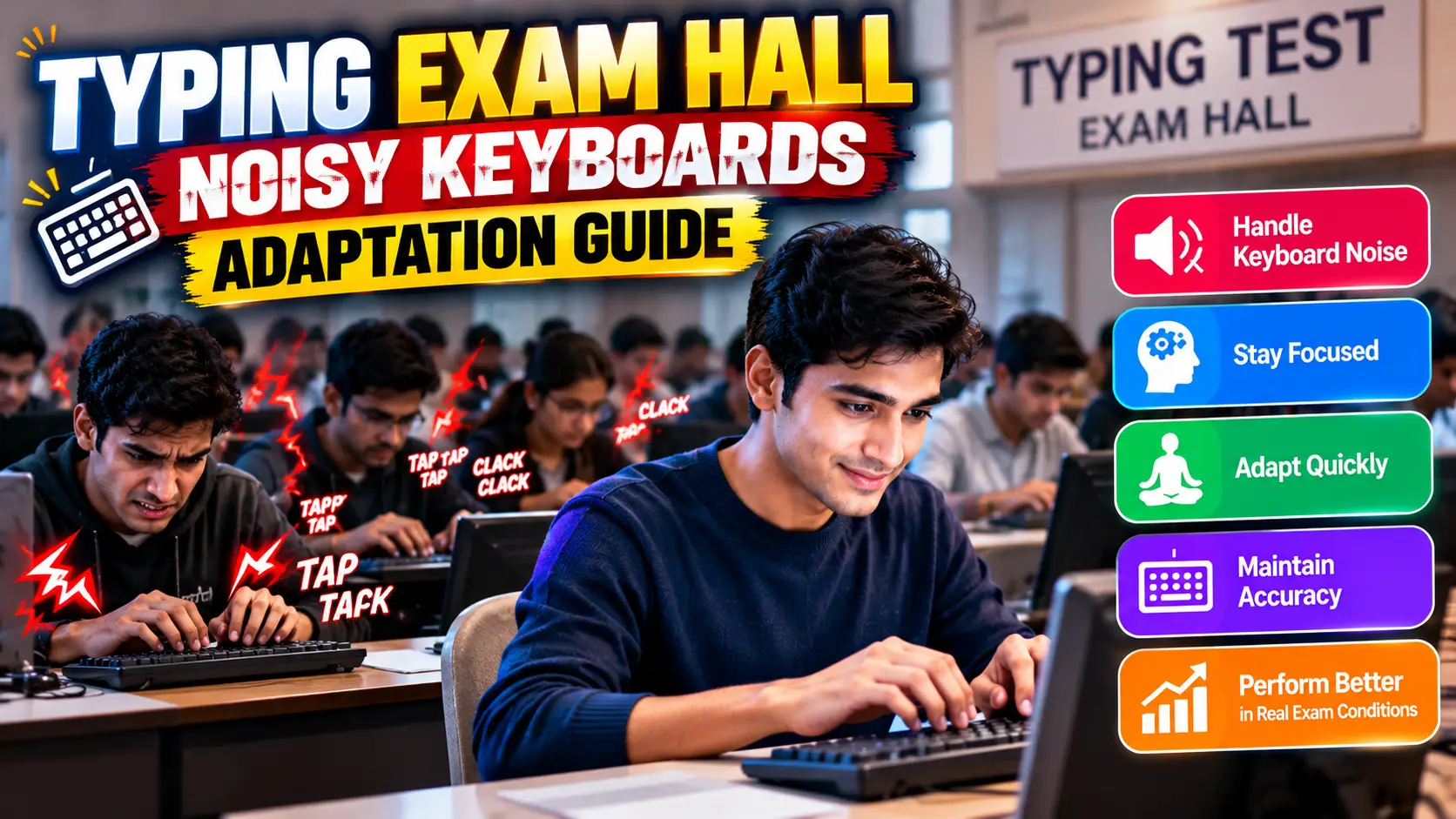
Every exam season, thousands of well-prepared candidates walk out of government typing test centers stunned. At home, on their buttery-smooth laptop keyboards or refined custom mechanical switches, they were effortlessly clocking 45 to 55 WPM with 98% accuracy. But inside the exam hall, their registered speed plunged to 28 WPM, resulting in disqualification.
What went wrong? They fell victim to Exam Hall Hardware Shock. Government recruitment drives (TCS iON centers, District Court lab rooms, and GCC-TBC institutes) utilize heavily worn, budget membrane keyboards that have absorbed thousands of hours of aggressive pounding. As noted in our foundation for Government Typing Tests, qualifying is not just about typing fast—it is about maintaining mechanical composure on imperfect equipment under deafening ambient noise.
01. The "Exam Hall Shock": Home vs. Center
The contrast between home practice environments and live examination labs is extreme:
| Environmental Factor | Your Home Practice Desk | Official Exam Hall Lab |
|---|---|---|
| Keyboard Quality | Clean laptop chiclet or tuned mechanical board | Aging $5 OEM membrane keyboard (Dell/HP/TVS) |
| Actuation Force Required | 45g – 55g (Light, responsive) | 70g – 90g (Heavy rubber domes, high friction) |
| Key Travel & Feedback | Predictable actuation height, zero wobble | Deep 4mm mushy travel, loose keycaps |
| Acoustic Atmosphere | Silent room or gentle music | 85+ dB barrage of 100+ candidates slamming keys |
02. Why Exam Keyboards Feel Stiff & Mushy
In our comprehensive teardown of Mechanical vs. Membrane Keyboards, we explained that membrane boards rely on flexible rubber sheets containing silicone domes.
Over years of usage in hot, dusty institutional computer labs:
- Rubber Dome Hardening: Heat and oxidation cause silicone domes to lose elasticity. The key requires nearly double the downward force to collapse.
- Dust-Induced Key Binding: Chalk dust, atmospheric grit, and debris accumulate inside switch sliders. If you strike a key off-center (especially
Shift,Enter, or theSpacebar), the key stems tilt and bind against the housing, refusing to register unless pressed dead center. - Mandatory Bottom-Out: Unlike mechanical switches analyzed in our Mechanical Switches Speed Guide, membrane switches register keystrokes only at full 4mm compression. "Floating" touch typists who brush keycaps lightly will experience phantom omitted characters.
03. The 2-Minute Pre-Test Keyboard Inspection
Almost all government exams offer a 2-minute to 5-minute mock/warmup session prior to the actual scored passage. Never treat this as casual relaxation. Use this window to rigorously inspect your hardware:
The Hardware Verification Checklist
- The Three-Point Spacebar Test: Tap the spacebar on the far left edge, dead center, and far right edge. Does it bounce back instantly, or does it stick on the edges? (A sticky spacebar destroys WPM).
- Shift and Enter Clearance: Firmly depress both Left Shift and Right Shift. Ensure the keycap stems don't jam or tilt sideways.
- Home Row Anchors: Check for tactile homing ridges on
FandJ. If completely worn smooth, calibrate your anchor visually before the countdown begins. - Request an Immediate Swap: If any key sticks or fails to register during the trial, raise your hand immediately and notify the lab invigilator. Examination rules entitle candidates to a keyboard replacement or terminal transfer before the scored test commences. Once the timer starts, no hardware grievances are entertained.
04. Desensitizing to Extreme Hall Noise
When 100 to 200 candidates begin their 10-minute countdown simultaneously, the acoustic impact resembles a hail storm on a tin roof. The sheer volume of frantic keystrokes creates subconscious panic, causing typists to unconsciously accelerate beyond their control limit, resulting in sudden mistake spikes.
Acoustic Isolation Drill
Two weeks prior to your exam, search online video portals for "exam hall typing test background noise". Play this audio track through headphones or speakers at high volume while completing timed exercises on TypeNest Speed Tests. Train your brain to ignore external cadence and focus strictly on your internal metronome.
05. Finger Conditioning on Cheap Hardware
Before your exam date, adjust your preparation protocol with these physical conditioning steps:
The $6 Test Board Strategy
Put your premium keyboard away for the final 15 days of exam prep. Purchase the cheapest standard membrane keyboard available (such as an entry-level TVS or Dell USB board). Train your fingers to apply full, firm downward stroke force.
Finger Warmup Calisthenics
Heavy membrane switches cause rapid forearm and finger fatigue. Perform the tendon glides and wrist stretches detailed in our 5-Minute Typing Warmup Guide before entering the exam center.
Conclusion
You cannot control the age of the keyboard assigned to your terminal, nor can you silence the 150 candidates typing frantically beside you. What you can control is your preparation. By training on stiff membrane hardware, simulating high-decibel exam hall acoustics, and systematically verifying your terminal before the timer begins, you guarantee that center hardware never stands between you and qualification.
Simulate full timed exam runs under pressure today on TypeNest Academy.
Last Updated: October 2026
Author: TypeNest Editorial Team