1. Anatomy of a Keystroke: Actuation vs. Bottom-Out
Unlike membrane keyboards where you must press the key down 100% of the way to close an electrical loop, mechanical switches trigger inputs halfway down their travel path. To evaluate switches for speed, two metrics matter:
Actuation Point (Pre-Travel)
The exact distance the stem travels (typically 1.8mm–2.0mm) before metal leaf contacts touch and send the character signal to your OS.
Bottom-Out Distance
The full downward stroke (usually 3.6mm–4.0mm) where the stem collides with the switch housing floor, causing finger joint deceleration shock.
2. Linear Switches: Smooth, Frictionless Velocity
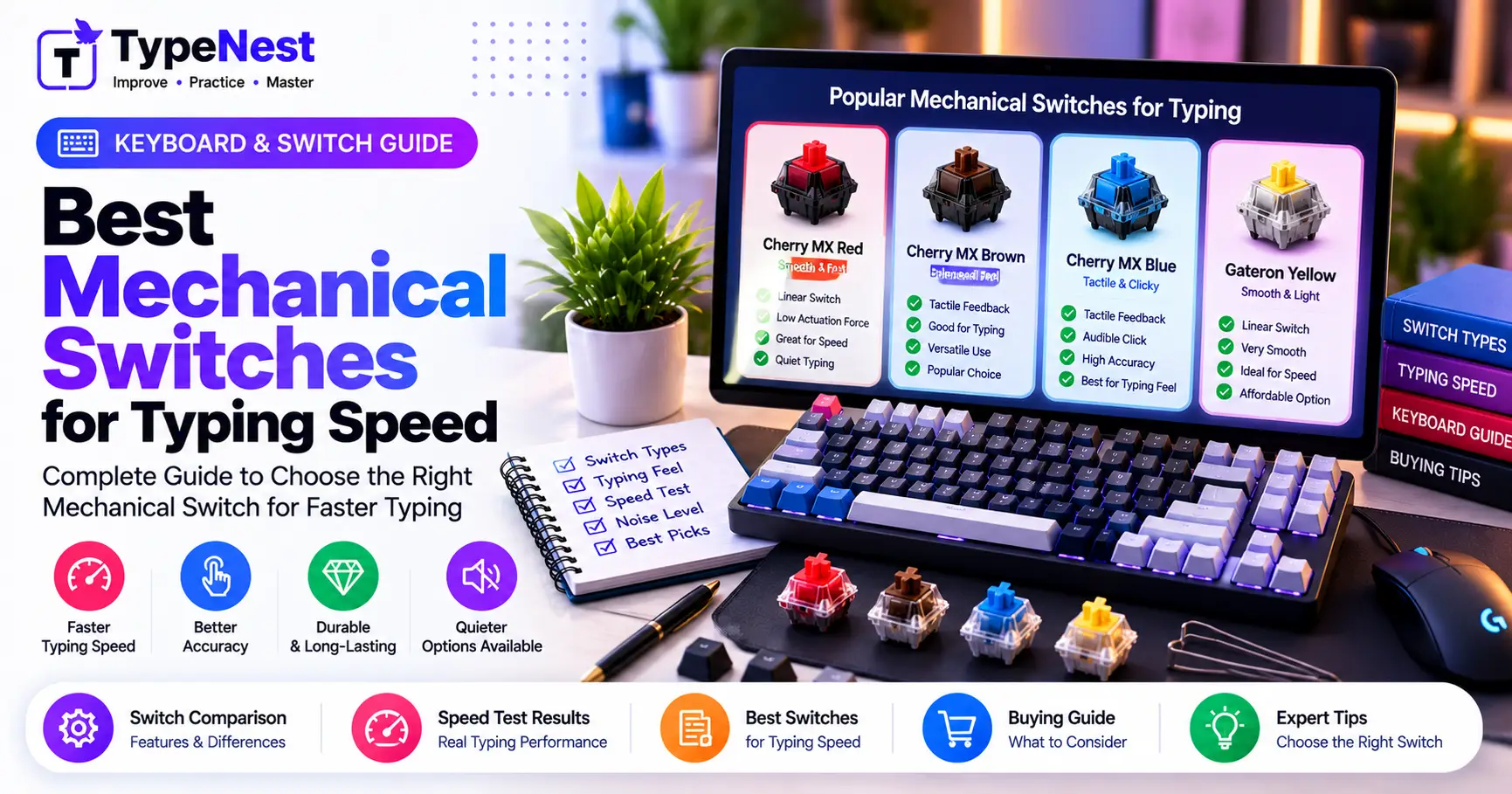
Linear switches (represented by Red, Yellow, and Silver switches) feature a stem with zero bumps, clicks, or resistance thresholds. From the moment your finger touches the keycap until it reaches the base, the spring compresses smoothly.
The Speed Advantage of Linears
Because there is no tactile bump to overcome, linear switches allow rapid finger transitions and continuous chord rolls. Speed runners exceeding 120+ WPM frequently favor light linear switches (like Gateron Red or Kailh Speed Silver) because they offer the least physical resistance.
The Drawback: With no physical confirmation at the actuation point, beginners often make accidental brush typos on adjacent keys.
3. Tactile Switches: The Precision Sweet Spot
Tactile switches (standardized by Brown and Clear switches) feature a micro-ridge molded directly onto the stem's sliding legs. As you press down, you feel a distinct physical "bump" right at the 2.0mm mark where electrical contact occurs.
Why Typists Love Tactiles
The tactile bump provides instant sensory feedback confirming the keystroke registered, allowing you to lift your finger without bottoming out completely. This prevents unnecessary hand slamming, lowering error rates and boosting long-term stamina.
4. Clicky Switches: Acoustic Confirmation (With Speed Tradeoffs)
Clicky switches (such as Blue and Green switches) incorporate a two-piece slider or click-bar mechanism. The slider drops suddenly at the actuation point, striking the housing to emit a sharp, metallic "snap" sound.
While clicky switches offer nostalgic acoustic satisfaction and rhythmic cadence for casual drafting, they are generally slower for competitive speed typing:
- Hysteresis Delay: The reset point of a clicky switch is often located higher than the actuation point, slightly delaying rapid double-tapping of the same key.
- Auditory Fatigue & Office Distraction: Sustained typing at 80+ WPM produces an intense sound level that can cause sensory fatigue and disrupt shared workspaces.
5. Direct Head-to-Head Comparison Analysis
| Feature | Linear (Red) | Tactile (Brown) | Clicky (Blue) |
|---|---|---|---|
| Actuation Feel | Smooth glide | Subtle bump | Crisp bump + click |
| Average Force | 40g–45g (Light) | 45g–55g (Medium) | 55g–65g (Heavy) |
| Acoustic Profile | Quiet / Muted | Moderate Thock | Loud High Click |
| Typo Resistance | Moderate (Brush sensitive) | High (Clean resistance) | High |
| Max WPM Potential | Very High (120+ WPM) | Very High (Balanced) | Moderate to High |
6. Spring Weight: How Grams Impact Stamina
Switch weight is measured in gram-force (gf). Over a 30-minute typing test or full workday, the cumulative weight your fingers depress is substantial:
- Light (35g–45g): Minimal finger resistance, excellent for speed sprints and reducing tendon strain. Ideal for delicate touch typists.
- Medium (50g–55g): The universal standard. Strikes the perfect balance between preventing accidental key presses and maintaining light finger bounce.
- Heavy (60g+): Requires active forearm effort. Can cause joint fatigue and slow down keystroke cadence after long writing sessions.
7. The Verdict: Best Switch for Typists
For 90% of Typists & Coders: Tactile Switches (Brown)
Tactile switches provide the optimal blend of speed, tactile confirmation, error prevention, and office-friendly sound levels.
For Competitive Speed Sprints: Light Linear Switches (Red / Silver)
If your foundational accuracy is already 98%+ and you want to eliminate physical friction to push past 100 WPM, lightweight linear switches offer the highest velocity ceiling.
Conclusion
While keyboard switches cannot replace disciplined touch typing fundamentals, selecting the right actuation curve and spring weight removes mechanical friction from your daily workflow. Choose the switch that complements your typing style, benchmark your performance on TypeNest, and enjoy effortless speed.
Continue Learning
Last Updated: October 2026
Author: TypeNest Editorial Team