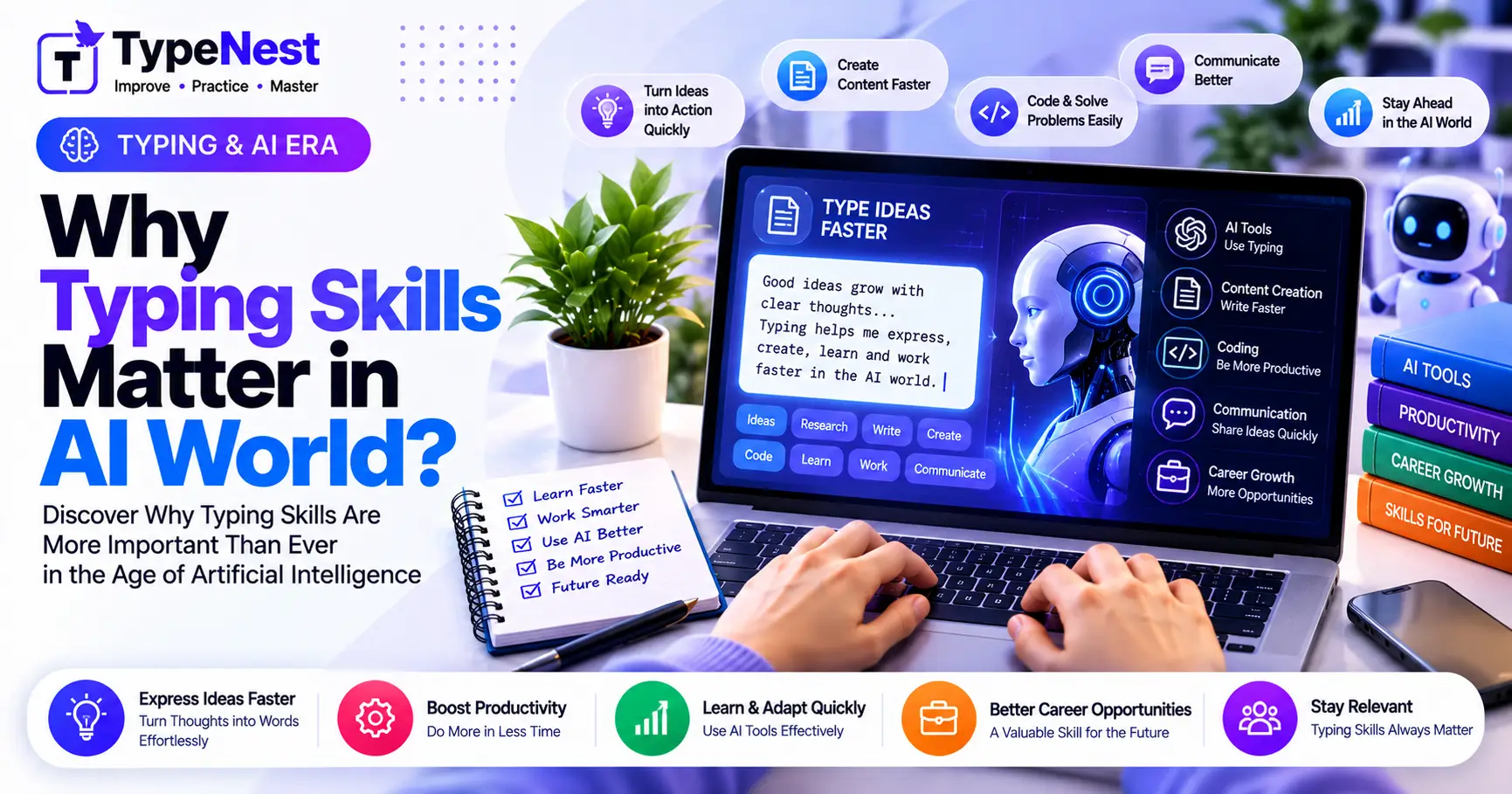
1. The AI Paradox: Why Keyboard Speed Matters More, Not Less
Ever since generative artificial intelligence revolutionized modern software development and digital writing, a popular narrative emerged: "AI will generate essays and write code for us, so typing speed is irrelevant."
In reality, the exact opposite has happened. AI has shifted the productivity bottleneck from drafting bulk boilerplate text to iterative direction, precise prompt steering, and rapid real-time editing. When an AI can execute complex requests in seconds, the only throttle on your productivity is how quickly and clearly you can articulate your ideas into the terminal or prompt box.
2. Prompt Engineering at Thought Speed
Mastering modern AI models requires rapid, nuanced dialogue. Great developers and creative directors do not write a single prompt and accept the raw output; they engage in rapid feedback loops:
The Slow Typist (30 WPM)
Takes 90 seconds to type a detailed 45-word prompt containing context, constraints, and formatting parameters. Pauses frequently to look down at keys, losing the train of logical refinement between generations.
The Touch Typist (80+ WPM)
Types the same 45-word specification in under 25 seconds without breaking visual focus from the screen. Iterates 3 to 4 prompt variations in the time an average typist finishes their initial query.
3. Why Voice-to-Text Cannot Replace Keyboards
Proponents of voice interfaces argue that speech dictation will replace keyboards entirely. Yet, despite massive advances in speech recognition, keyboards remain dominant for four fundamental reasons:
- Privacy & Social Friction: Speaking code syntax or sensitive corporate correspondence aloud in open-plan offices, coffee shops, libraries, or home offices is noisy and socially awkward.
- Symbol & Syntax Density: Try dictating:
const users = items.filter(u => u.id !== null);. Speaking brackets, camelCase variables, punctuation, and lambda arrows aloud is exponentially slower than typing them in half a second. - Cognitive Drafting Precision: Speaking encourages rambling, unstructured filler words. Keyboarding enforces cognitive conciseness and deliberate thought formulation.
- Editing Micro-Control: Navigating cursor positions, deleting single characters, and restructuring nested code blocks with voice commands remains clunky and inefficient compared to instant keyboard shortcuts. (Explore Essential Keyboard Shortcuts).
4. Editing & Refactoring Generated Code
AI coding copilots frequently generate 50-line snippets that are 85% correct. The human software engineer's primary job is now reading, spotting bugs, and surgically refactoring those lines.
The Developer Editing Bottleneck
Refactoring code requires rapid multi-cursor maneuvering, bracket adjustments, variable renames, and regex edits. If a programmer hunts and pecks for symbols like { } [ ] $ & |, reviewing AI code becomes an agonizing bottleneck. Read more in our guide on Typing for Programmers.
5. The Neuroscience of Tactile Flow States
Touch typing creates an uninterrupted bridge between subconscious thought and digital execution. When your hands execute keypresses automatically through motor memory, the mechanical act of typing consumes zero working memory.
This physical fluency preserves your Flow State. The moment you have to look down at your hands to find a symbol, your prefrontal cortex is forced to switch tasks from complex creative architecture to physical motor steering, disrupting deep focus. Learn more in our deep-dive on The Psychology of Typing.
6. The 80 WPM Knowledge Worker Advantage
Consider the daily digital communication footprint of modern knowledge workers: Slack messages, Jira tickets, Notion documentation, PR descriptions, and customer replies.
| Typing Speed | Daily Words (2,500 words) | Annual Time Spent | Productivity Impact |
|---|---|---|---|
| 35 WPM (Hunt & Peck) | ~71 Minutes / day | ~295 Hours / year | Heavy mechanical drain |
| 80 WPM (Touch Typist) | ~31 Minutes / day | ~129 Hours / year | Saves 166 Hours every year! |
7. Frequently Asked Questions (FAQs)
Will brain-computer interfaces (BCI) make keyboards obsolete?
Neural interfaces remain in early clinical stages. For commercial knowledge work, physical keyboards will remain the primary, most reliable input device for decades to come.
What is the optimal WPM target for working with AI tools?
A speed of 65 to 80 WPM with 98% accuracy is the ideal sweet spot. At this velocity, you type at the natural pace of conversation, allowing your ideas to flow into AI prompts without friction.
Conclusion
Far from making typing obsolete, the artificial intelligence revolution has elevated keyboard fluency into a defining force multiplier. The faster and more accurately you can express complex instructions, the more effectively you command AI to execute your vision. Keyboard speed is the bandwidth of your mind.
Continue Learning
Last Updated: October 2026
Author: TypeNest Editorial Team