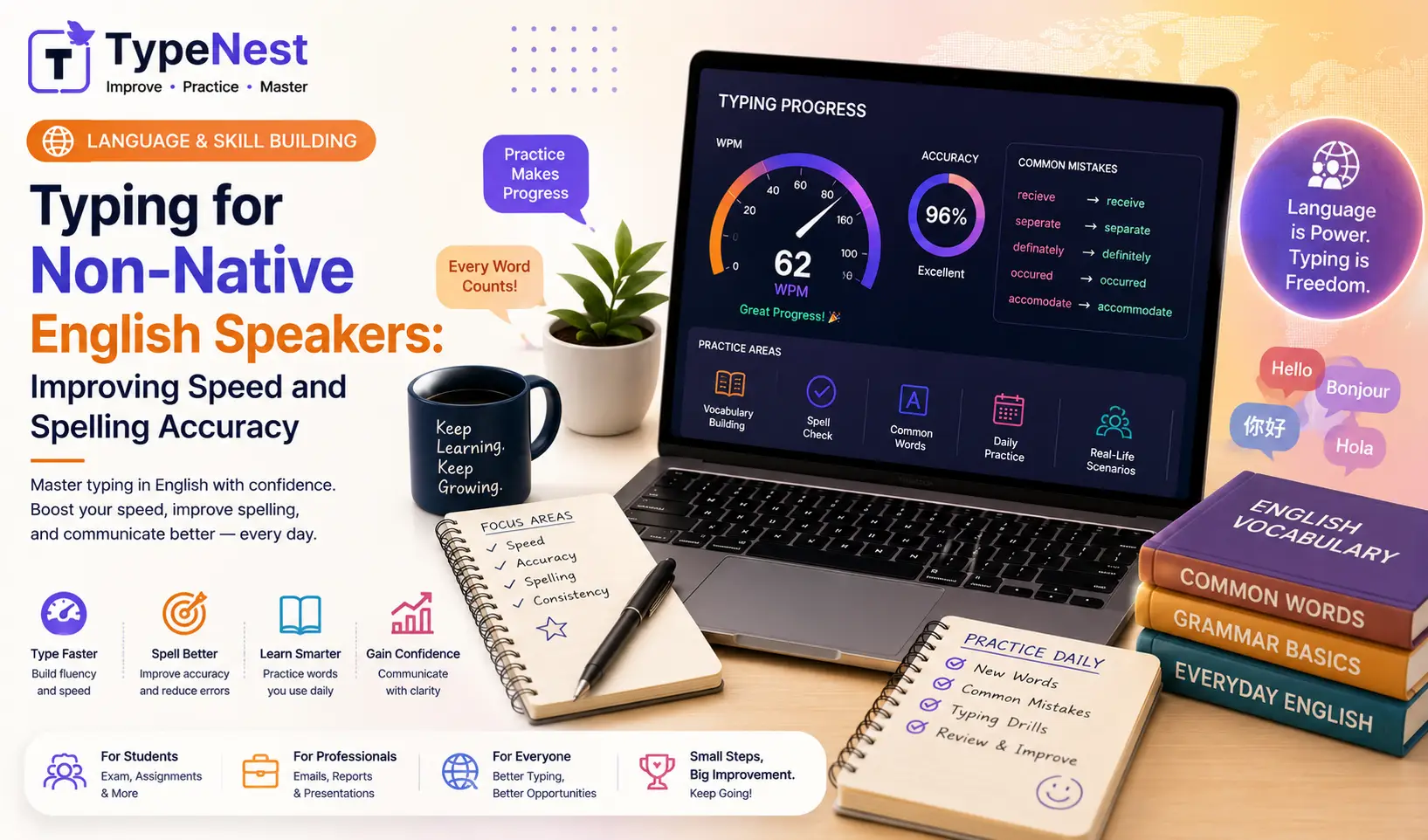
In today's global economy, English is the primary language for remote jobs, software engineering, international business, and academic research. Millions of professionals and students around the world type in English every day, even though it is not their native language.
If English is your second or third language, you may have noticed that your typing speed drops significantly when typing English passages compared to typing in your native tongue. This slowdown isn't necessarily due to poor finger mechanics—it is often caused by cognitive spelling hesitation. When your mind pauses to double-check irregular English spellings (like "receive" vs. "believe" or "necessary"), your fingers freeze for micro-seconds, disrupting your flow.
The good news is that you can bridge this gap with targeted vocabulary practice and muscle memory training. In this guide, we explore the cognitive mechanics of non-native typing and share practical strategies to build English typing speed and accuracy.
1. The Cognitive Wall: Why Non-Native Typing Feels Slower
When a native English speaker types, their brain executes "word-chunking"—translating an entire word into a single automatic gesture. For non-native speakers, the mental process often involves three extra steps:
- Reading & Translating: Mentally converting visual words into phonetic sounds.
- Spelling Verification: Pausing to recall tricky silent letters or vowel pairings (
ievsei,ough,tion). - Key Execution: Searching for physical key positions on the QWERTY board.
These micro-delays add up quickly. Eliminating mental hesitation requires moving from character-by-character processing to subconscious motor execution.
2. Strategy 1: Master Common English Word N-Grams
English vocabulary relies heavily on repeating letter combinations known as N-Grams (2-letter, 3-letter, or 4-letter clusters). By training your fingers on these common patterns, you can type thousands of English words effortlessly without consciously thinking about individual letters.
Top English Clusters to Practice Daily:
- Common Prefixes:
un-,re-,in-,dis-,pro-,pre-,con- - Common Suffixes:
-tion,-ing,-ment,-ness,-able,-ous,-ly - Frequent Bigrams:
th,he,in,er,an,re,on,at,en,nd
Dedicating 5 minutes a day to practicing these specific clusters allows your motor cortex to group them into single fluid motions. Learn more baseline acceleration techniques in our Complete Guide to Increase Typing Speed.
3. Strategy 2: Eliminate Common English Spelling Mistakes
Unforced spelling mistakes force you to hit the Backspace key, which severely degrades your net WPM score and overall efficiency.
Pay close attention to these frequently misspelled English words during typing practice:
| Tricky English Word | Common Non-Native Error | Typing Tip / Rule |
|---|---|---|
| Accommodation | Acomodation (Single c/m) | Remember: 2 c's and 2 m's |
| Necessary | Neccessary (Double c) | Remember: 1 collar, 2 socks |
| Receive / Achieve | Recieve / Acheive | Rule: I before E except after C |
| Separate | Seperate | Remember: There is "a rat" in separate |
| Environment | Enviroment (Missing n) | Remember the silent n: environ-ment |
To fix persistent typos and build finger control, work through our step-by-step solutions in the Typing Mistakes & Common Errors Guide and prioritize precision using our Complete Typing Accuracy Guide.
4. Strategy 3: Build Proper Touch Typing Mechanics
If you are looking down at your keyboard while trying to spell unfamiliar English words, your speed will remain capped under 30 WPM. Touch typing—typing without looking at the keycaps—allows your eyes to remain anchored on screen text or source documents.
Anchor your hands on the Home Row (A-S-D-F J-K-L-;) and ensure each finger covers its designated keys. Start with fundamental positioning using our Complete Beginner's Guide to Touch Typing.
💡 Why English Speed Matters for Global Careers
Whether you are preparing for international exams or applying for remote work, demonstrating strong English Net WPM opens key career paths:
- Remote Work Readiness: Virtual Assistants and Customer Support agents need 50+ WPM in English.
- Software Engineering: Programmers who type English documentation and code syntax save hours daily. Read Typing for Programmers & Coding Speed.
5. Hardware and Practice Environment Optimization
Having comfortable equipment reduces physical friction so your mind can focus on language processing:
- Tactile Switches for Error Reduction: Tactile mechanical switches provide physical feedback upon key actuation, helping non-native typists confirm key presses without looking down.
- Practice Fun & Interactive Drills: Gamified typing games help lower language anxiety by turning vocabulary building into a fun challenge. See our comparison in Typing Games vs. Traditional Practice.
- Workstation Posture: Maintain healthy wrist positioning during long study sessions by following our Typing Ergonomics Guide.
6. Frequently Asked Questions (FAQs)
1. How long does it take for a non-native speaker to reach 50 WPM in English?
With 15 to 20 minutes of daily structured touch typing practice, most non-native speakers reach a consistent 50 Net WPM in English within 30 to 45 days.
2. Should I practice typing in my native language or English first?
Master basic home-row touch typing mechanics in whichever language feels most comfortable first. Once finger-key mapping becomes automatic, transferring those physical skills to English text becomes much easier.
3. How do I test my baseline English typing speed accurately?
Take a standardized 3-minute or 5-minute English paragraph test on TypeNest's speed test tools to get an exact breakdown of your Gross WPM, Net WPM, and accuracy percentage.
Conclusion
Typing rapidly in English as a non-native speaker is entirely achievable. By targeting common English letter clusters, eliminating spelling hesitation, and training your muscle memory on TypeNest, you can build fluent typing skills that support your career and academic goals.
Continue Learning
Explore more ways to improve your typing proficiency with these related guides on TypeNest:
- Complete Beginner's Guide to Touch Typing
- Complete Guide to Increase Typing Speed
- Complete Typing Accuracy Guide
- Typing Ergonomics Guide: How to Type Without Wrist Pain
- Typing for Programmers & Coding Speed
- Typing Games vs. Traditional Practice
Last Updated: September 2026
Author: TypeNest Editorial Team