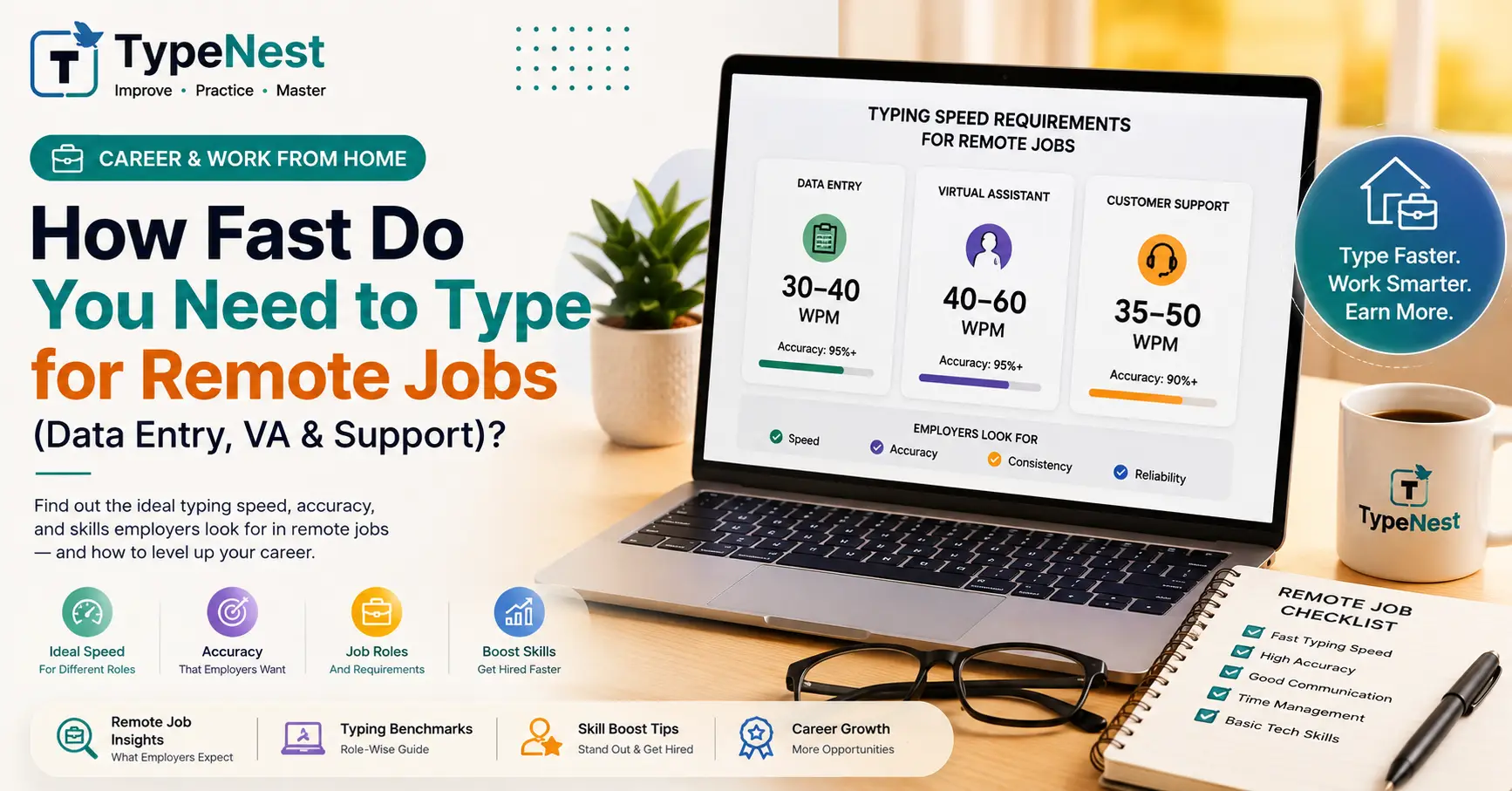
The shift toward remote work and digital nomadism has made keyboard skills more valuable than ever. Whether you are applying for a Data Entry Specialist position, a Virtual Assistant role, or a live chat Customer Support job, your keyboard is your primary tool. But one question comes up constantly during recruitment: "What typing speed do I actually need to get hired?"
The answer depends heavily on the specific career track. A live medical transcriptionist needs lightning-fast reflexes and zero error tolerance, whereas a remote software developer benefits more from precise code syntax than raw words per minute.
In this comprehensive guide, we examine realistic WPM (Words Per Minute) benchmarks across various remote industries, explain how employers screen applicants, and share practical ways to upgrade your keyboard skills before your next job assessment.
Why Remote Employers Care About Your WPM
In a traditional office, managers can observe your workflow directly. In a remote work environment, productivity is measured by output, turnaround times, and communication clarity.
Companies set strict WPM requirements for three primary reasons:
- Direct Productivity & ROI: A virtual assistant who types at 70 WPM answers emails and processes documents twice as fast as someone typing at 35 WPM.
- Live Customer Experience: In live chat support, response latency directly affects customer satisfaction scores (CSAT). Fast typists handle multiple concurrent chats effortlessly.
- Cost Reduction on Errors: In medical billing or legal data entry, typos cause costly compliance issues. Employers look at net accuracy—not just raw speed.
If you want to evaluate where you currently stand compared to general averages, review our detailed guide on Typing Speed Benchmarks Across Professions.
WPM & Accuracy Requirements by Remote Job Role
| Remote Job Title | Minimum WPM | Target WPM | Required Accuracy | Key Secondary Skill |
|---|---|---|---|---|
| Data Entry Clerk | 45 WPM | 60–75 WPM | 98% to 100% | 10-Key Numpad Mastery |
| Customer Chat Support | 40 WPM | 55–65 WPM | 95%+ | Multi-tasking & Keyboard Shortcuts |
| Virtual Assistant (VA) | 35 WPM | 50–60 WPM | 95%+ | Email drafting & formatting |
| Medical / Legal Transcriptionist | 65 WPM | 75–90+ WPM | 99%+ | Audio listening & terminology |
| Content Writer / Copywriter | 40 WPM | 50–70 WPM | 95%+ | Research & grammar fluency |
| Software Developer / Coder | 30 WPM | 45–60 WPM | 98%+ | Syntax accuracy & code formatting |
1. Data Entry & Accounting Jobs: Precision over Raw Speed
Data Entry remains one of the most popular entry-level remote job categories. While a baseline speed of 45 to 50 WPM is usually required to apply, what recruiters truly test for is Numeric Keystrokes Per Hour (KPH).
If you are entering invoices, financial statements, or inventory stock codes, your right hand will spend most of its time on the numeric keypad. A strong candidate should achieve 8,000 to 10,000 KPH with near-zero errors. To build this specialized skill, dedicate time to our 10-Key Numeric Keypad Training Guide.
2. Live Chat & Customer Service Support
Modern customer service has migrated rapidly from voice calls to asynchronous live chat platforms (like Intercom, Zendesk, and Salesforce). Support agents often manage 3 to 4 customer chats simultaneously.
To keep response times under 30 seconds without sending messages riddled with spelling mistakes, a consistent speed of 55 to 65 WPM is ideal. Candidates who struggle with frequent typos should work through our strategies in the Typing Mistakes & Common Error Fixes Guide.
3. Transcriptionists & Closed-Captioners: The Elite Speed Tier
Audio transcription and real-time captioning demand the highest typing speeds in the remote job market. Because human speech averages 130 to 150 words per minute, transcriptionists must type at 75 to 90+ WPM using foot pedals and specialized shorthand software to keep pace.
During applicant screening, employers rarely rely on self-reported WPM claims on your resume. They typically send an automated test link or conduct a proctored 3-minute evaluation focusing on Net WPM (raw speed minus uncorrected errors).
4 Actionable Steps to Boost Your WPM for Remote Work
- Eliminate the Hunt-and-Peck Habit: Looking down at your keycaps creates a ceiling around 30–35 WPM. Rebuild your mechanics using proper home-row technique in our Beginner's Touch Typing Guide.
- Practice 15 Minutes Daily: Consistency outperforms sporadic 2-hour marathon sessions. Learn structured drills in our Guide to Increasing Typing Speed.
- Focus on Accuracy First: Reduce backspacing penalties by developing steady control. Check out our Complete Typing Accuracy Guide.
- Protect Your Wrists & Posture: Remote work health is vital. Avoid wrist strain by setting up an ergonomic workstation as outlined in our Typing Ergonomics Guide.
Frequently Asked Questions (FAQs)
Q1. Is 40 WPM good enough to land a remote job?
Yes! 40 WPM is the global average and comfortably qualifies you for entry-level Virtual Assistant, Content Writing, and General Admin roles—provided your accuracy is above 95%.
Q2. Do official typing certificates help on a remote resume?
登記 (Yes). Including a verified typing certificate link on your LinkedIn profile or resume proves to remote recruiters that you possess the required technical speed without requiring additional screening rounds.
Q3. Are alternative keyboard layouts accepted for remote work?
Employers care about your final WPM output and accuracy, not which layout you use. If you type 70 WPM comfortably on Colemak or Dvorak, you can use it freely on your remote workstation.
Conclusion
Building a competitive typing speed is one of the highest-return investments you can make for a remote career. It not only helps you pass recruitment screenings but also saves you hours of daily friction once hired.
Continue Learning
Expand your workplace technical skills with these related practical guides:
- 10-Key Numeric Keypad Training Guide
- Typing Speed Benchmarks Guide
- Complete Typing Accuracy Guide
- Typing Ergonomics Guide
Last Updated: September 2026
Author: TypeNest Editorial Team