📑 Table of Contents
Jump to any strategy in this speed breakthrough guide.
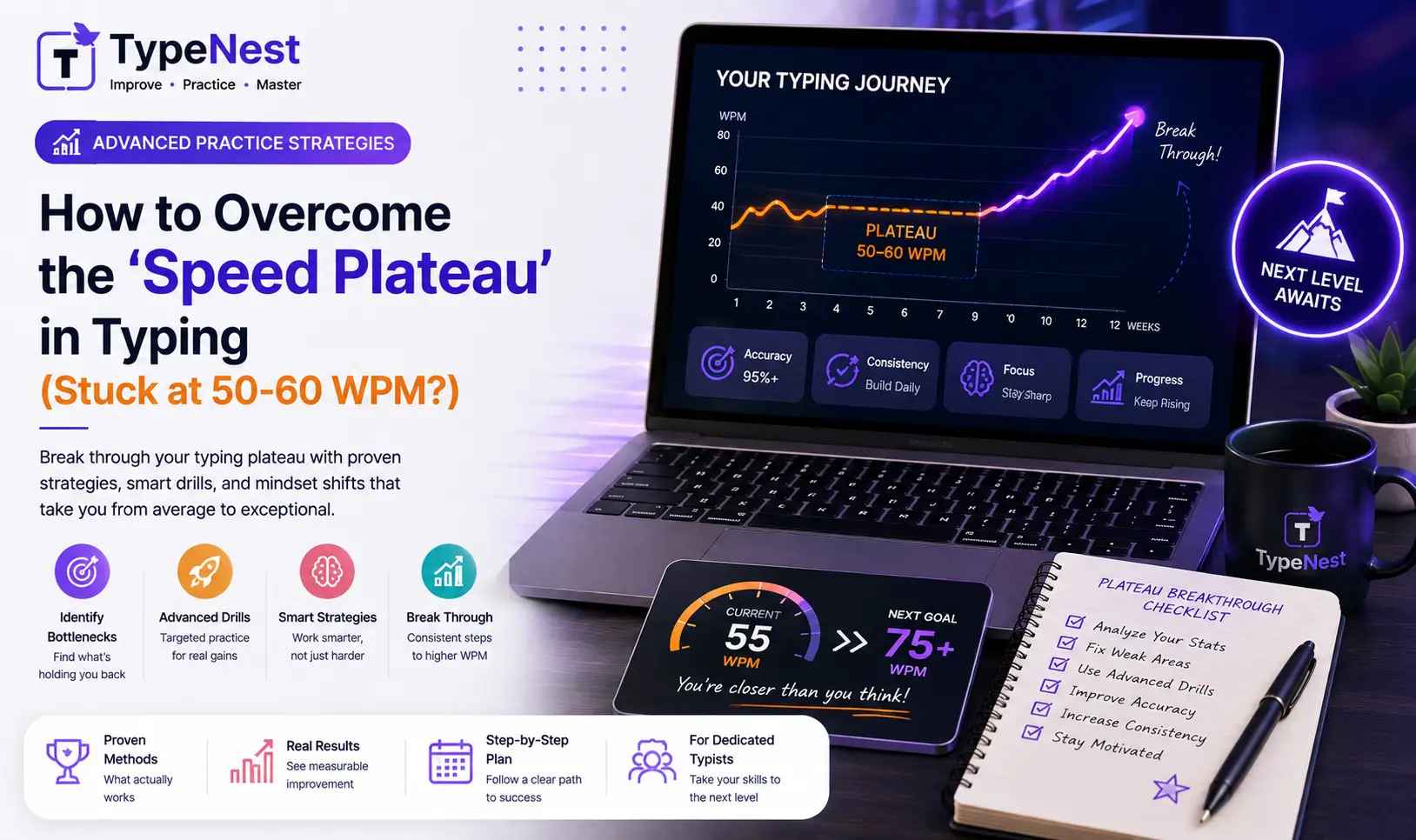
When you first learn touch typing, progress feels fast and exciting. You jump from 15 WPM to 30 WPM in a matter of days, and within a few weeks, you comfortably hit 50 WPM. But then, an invisible wall appears. No matter how many hours you practice daily, your score lingers frustratingly between 50 and 60 WPM.
Welcome to the Typing Speed Plateau. Almost every typist encounters this psychological and mechanical barrier. The reason it happens is simple: the practice techniques that got you from 20 WPM to 50 WPM are fundamentally different from the techniques required to break past 70 WPM and reach 80+ WPM.
If you feel stuck, don't worry—you haven't hit your biological speed limit. In this guide, we break down why speed plateaus occur, how to identify hidden mechanical bottlenecks, and the exact drills required to smash your personal record.
1. Why Do Typing Plateaus Happen at 50–60 WPM?
Around 50 to 60 WPM, your brain transitions from consciously thinking about individual key positions to typing in whole word chunks. However, several hidden habits cap your velocity:
- Micro-Hesitations: You type familiar words (like "the", "and", "with") rapidly, but freeze for a fraction of a second when encountering rare letter pairs, numbers, or uppercase punctuation.
- Over-reliance on Visual Reading: Your eyes read single characters rather than looking 2 to 3 words ahead to keep your hands moving smoothly.
- Weak Finger Independence: Your index and middle fingers do most of the heavy lifting, while your ring and pinky fingers lag behind on key reaches.
- Obsessive Backspacing: Hitting the
Backspacekey every time you make a typo resets your rhythm, destroying your net score as explained in The Science of WPM Calculation.
2. Strategy 1: Transition from Character Typing to Word Chunking
Typists who cruise past 80 WPM do not process letters one by one (C - A - T). Instead, their motor cortex triggers a single fluid motor command for the entire word (CAT).
To build word chunking pathways, train your mind to group common prefixes (un-, re-, pre-, dis-) and suffixes (-tion, -ing, -ment, -ness) into single muscle memory gestures. To understand how your brain automates these motor commands, read our guide on the Psychology of Typing & Muscle Memory.
3. Strategy 2: Implement "Speed Burst" Drills
If you always practice at a comfortable pace, your nervous system gets conditioned to that speed. To break a plateau, you must force your brain to experience higher speeds—even if your accuracy drops temporarily.
⚡ How to Execute a Speed Burst Drill
- Select a short 15-second or 30-second typing test on TypeNest.
- For 30 seconds, type as fast as physically possible without worrying about mistakes. Try to hit 75+ WPM raw speed.
- Rest your hands for 30 seconds.
- Now, take a 1-minute test, focusing on smooth cadence and maintaining 98%+ accuracy.
Alternating between extreme speed bursts and controlled precision trains your nervous system to handle faster keystroke frequencies.
4. Strategy 3: Isolate and Fix Weak Finger Keys
A chain is only as strong as its weakest link. For most typists, the pinky and ring fingers are weak bottlenecks. When words contain letters like P, Q, Z, X, or numbers on the top row, overall typing cadence stutters.
Dedicating 5 minutes daily to specific finger drills eliminates these mechanical bottlenecks:
- Ring Finger Drills: Practice words containing
S,W,X,L,O,.. - Pinky Finger Drills: Practice words with
A,Q,Z,P,Shift, andEnter. - Numpad Integration: If your job requires financial entries, isolate your numeric speed using our 10-Key Numeric Keypad Training Guide.
Review fundamental finger positioning in our Beginner's Guide to Touch Typing, and eliminate subconscious errors using our Typing Mistakes & Fixes Guide.
5. Strategy 4: Slow Down to Speed Up (The 98% Accuracy Rule)
It sounds counterintuitive, but if you want to type faster, you often need to slow down first.
Typing at 60 WPM with 90% accuracy means you are wasting precious seconds backspacing and correcting typos. If you slow your rhythm down to 52 WPM with 99% accuracy, your Net WPM will actually be higher because you maintain unbroken momentum!
| Practice Metric | Low Accuracy (Rushed Pace) | High Accuracy (Controlled Pace) |
|---|---|---|
| Gross Speed | 68 WPM | 58 WPM |
| Uncorrected Errors | 8 Errors | 1 Error |
| Time Lost Backspacing | ~12 Seconds | ~1.5 Seconds |
| Final Net WPM | 52 Net WPM | 56 Net WPM (Winner!) |
Learn more about balancing speed and precision in our Complete Typing Accuracy Guide and see how professional standards are measured in Typing Speed Benchmarks Across Careers.
6. Hardware & Layout Considerations for High-Speed Typists
Sometimes, your physical equipment can cap your mechanical speed. If you type on a stiff laptop dome keyboard, key friction might be slowing down rapid actuations.
- Switch to Tactile Mechanical Switches: Mechanical switches provide immediate tactile feedback, allowing key resets without bottoming out. Explore top choices in our Custom Mechanical Keyboards & Switches Guide and Mechanical vs. Membrane Comparison.
- Consider Ergonomic Layouts: Alternative layouts like Colemak or Dvorak reduce finger travel distance by over 60%, making 80+ WPM much more comfortable. Compare layouts in Qwerty vs. Dvorak vs. Colemak.
- Workstation Ergonomics: Prevent wrist fatigue during high-speed sessions by aligning your chair and desk height as outlined in our Typing Ergonomics Guide.
How Breaking Your Plateau Opens Career Opportunities
Advancing from 50 WPM to 75+ WPM isn't just about personal pride—it translates directly into real-world efficiency and career advancement:
- Remote Jobs: High Net WPM is a key requirement for lucrative remote roles. Check benchmark standards in Typing Speed Requirements for Remote Jobs.
- Civil Service Exams: Crushing 40+ WPM with strict accuracy gives you a major advantage in state tests, detailed in our Government Typing Exam Guide.
- Coding Productivity: Software developers save hours daily when syntax typing becomes effortless. Read Typing for Programmers & Coding Speed.
Frequently Asked Questions (FAQs)
Q1. How long does it take to break a 50 WPM plateau?
With targeted practice—focusing on burst drills, weak fingers, and 98%+ accuracy—most typists break through their plateau within 2 to 3 weeks of consistent daily effort.
Q2. Should I use typing games to break my plateau?
Yes! Typing games push your reaction speed under fun pressure, helping you overcome mental hesitation. Combine games with traditional drills using our recommendations in Typing Games vs. Traditional Practice.
Q3. Why does my speed drop when I try looking ahead?
Looking ahead while typing requires your brain to split attention between reading future words and executing current muscle memory. This feels clumsy at first, but after 4 or 5 days, it becomes second nature and significantly boosts your cadence.
Conclusion
Hitting a typing speed plateau at 50 or 60 WPM is a natural phase of skill development, not a permanent limit. By shifting to word chunking, executing short speed burst drills, isolating weak fingers, and maintaining high net accuracy, you can break through your ceiling and reach 80+ WPM.
Ready to smash your personal record? Test your current speed and analyze your weak keys on TypeNest's Speed Test Tool today!
Continue Learning
Elevate your keyboard performance with these essential guides:
- Complete Guide to Increase Typing Speed
- Essential Keyboard Shortcuts Every User Should Know
- Top Free Typing Platforms Compared
- Touch Typing Guide for Kids & Students
Break Through Your Speed Barrier with TypeNest
TypeNest provides real-time WPM metrics, key weakness analysis, and specialized drills designed to push your typing speed past plateau limits on TypeNest Interactive Practice.
Last Updated: September 2026
Author: TypeNest Editorial Team